Buying storage for Switch 2? Check for microSD Express first
Check Switch 2 card compatibility, game-key downloads and save-data limits, then decide whether your existing storage is enough.

Maintained by FindsRadar Editorial Team
Before you buy
A memory card advertised for “Nintendo Switch” can be the wrong purchase for Nintendo Switch 2. Start with the exact card standard, then work out whether you need more storage at all.
This checklist covers Nintendo’s documented requirements and a practical buying decision. It does not rank cards or claim that FindsRadar has measured their loading speeds.
Check the space you already have
Open System Settings → Data Management from the HOME Menu. The available space in system memory, and on an inserted microSD Express card, appears at the top. Write those figures down before comparing card capacities.
If your next games fit, you can postpone the accessory purchase. Nintendo also says deleting downloaded software leaves its save data unaffected, so removing a finished game can free space while preserving your progress for when you download it again. Read the selected action carefully: removing software is different from deleting save data or a user account.
The tradeoff is having to download the software again. If you regularly revisit several large games or have limited broadband, keeping more installed may be worth paying for. Base that decision on your own library.
Look for “microSD Express,” not just “for Switch”
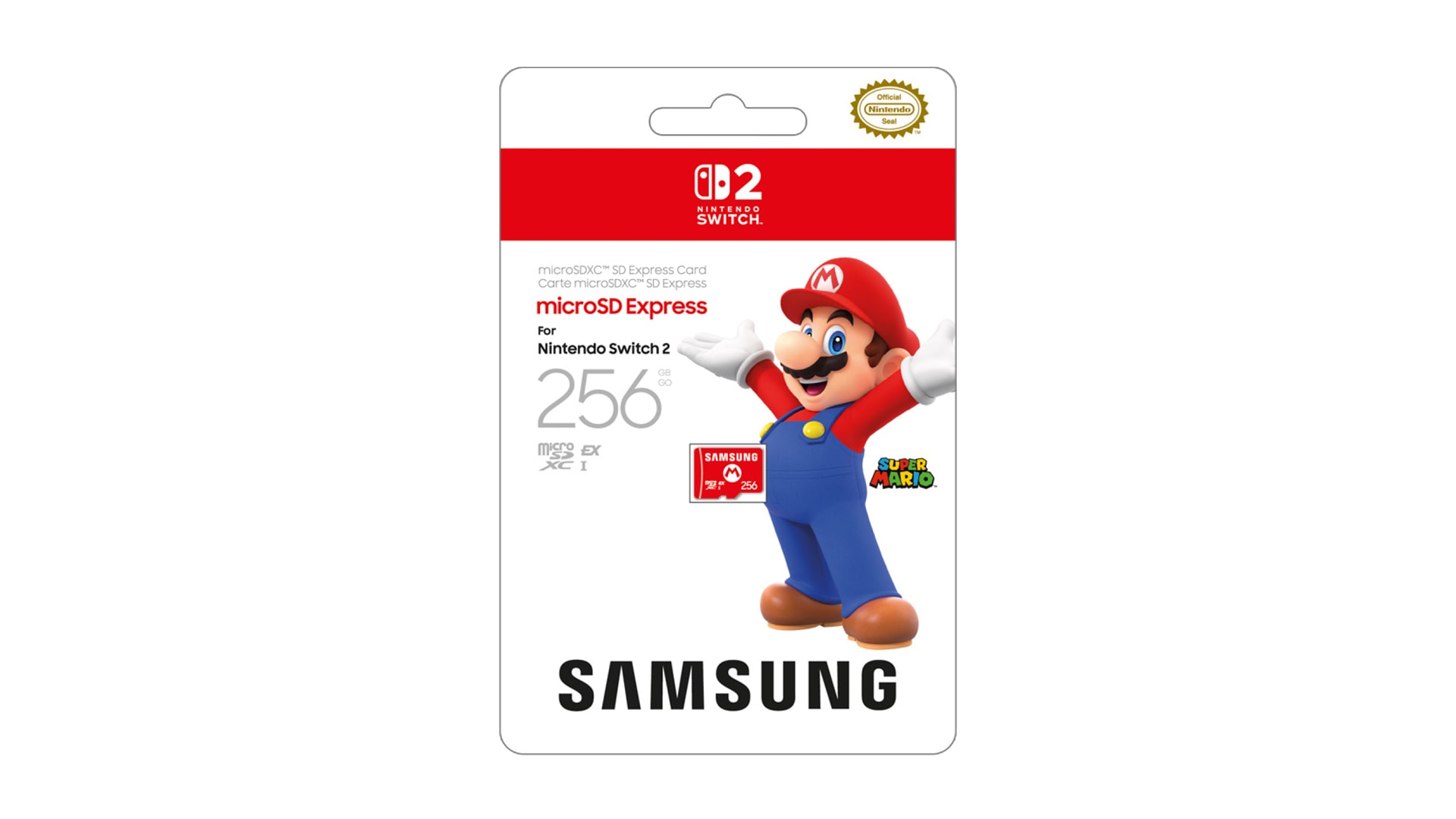
Nintendo specifies microSD Express for Switch 2’s expanded game storage. A conventional microSD card from an original Switch cannot serve that purpose. The exception is importing screenshots and videos captured on the original console. That limited import function does not make the old card usable for Switch 2 game installations.
Nintendo’s FAQ says cards up to 2TB that meet the microSD Express standard are supported. Licensing artwork is therefore not the deciding specification. Check the manufacturer’s exact model information for Express support, then make sure the seller’s selected capacity and variant match it.
Do not let an attractive price per gigabyte move this check down your list. An incompatible high-capacity card does not solve the storage problem.
Count game-key downloads, even when buying a box
A physical purchase can still need substantial installation space. Switch 2 game-key cards require the full game to be downloaded into system memory or a microSD Express card. Nintendo lists the required free space on the packaging and on the digital version’s Nintendo Store or eShop page. The game-key card must remain inserted when you play.
Make a short list of the games you want installed together. Record each current storage requirement rather than estimating from the number of boxes on your shelf. Leave room in your plan for the updates and additional content you intend to use; there is no single capacity recommendation that fits every collection.
Keep game installations separate from saved progress
A microSD Express card can hold downloadable software, updates and DLC. Game save data stays in the console’s system memory and cannot be copied to the card. Buying another card, or keeping the old one in a drawer, therefore does not create a backup of your progress.
If you are upgrading from an original Switch, plan the console transfer separately from the storage purchase. Nintendo’s system-transfer process downloads digital software onto the destination after transfer and setup. Its guide also warns that deletion from the source console depends on the transfer method. Read those consequences before starting, especially if you intend to sell or give away the old console.
A card swap should never be your entire migration plan. First establish what happens to each user’s saves and captures.
Turn the research into a short buying checklist
Before checkout, keep these details together:
- Exact card manufacturer, model code and capacity.
- Manufacturer confirmation that it meets the microSD Express standard.
- The games you want installed and your current free-space figures.
- The actual seller, return or replacement terms and regional warranty information.
Check local support and your next step
For an India purchase, ask who provides support locally rather than assuming an overseas product page establishes Indian warranty coverage. This guide does not verify a current India listing, seller, price or stock position.
Nintendo requires an internet-delivered system update for first use of a microSD Express card. Allow time for setup before a trip or gift handover.
Once installed according to Nintendo’s instructions, revisit Data Management to confirm that the console recognises the card and shows its available space. Keep the packaging and invoice while checking that your intended setup works. Do not erase your old console or discard another card simply because the new card appears.
Frequently asked questions
Can I use my original Switch microSD card for Switch 2 games? Only if it meets the microSD Express standard. A conventional card has the limited original-Switch screenshot and video import use described above.
Should I buy several smaller Express cards? Nintendo recommends one card and warns that downloadable software stored across several cards cannot later be combined onto one card. Consider that inconvenience before building a rotation.
Does the card back up my game saves? No. Save data remains in system memory. Nintendo Switch Online’s Save Data Cloud is a separate option for supported titles, not a feature of the card.
Useful next reads
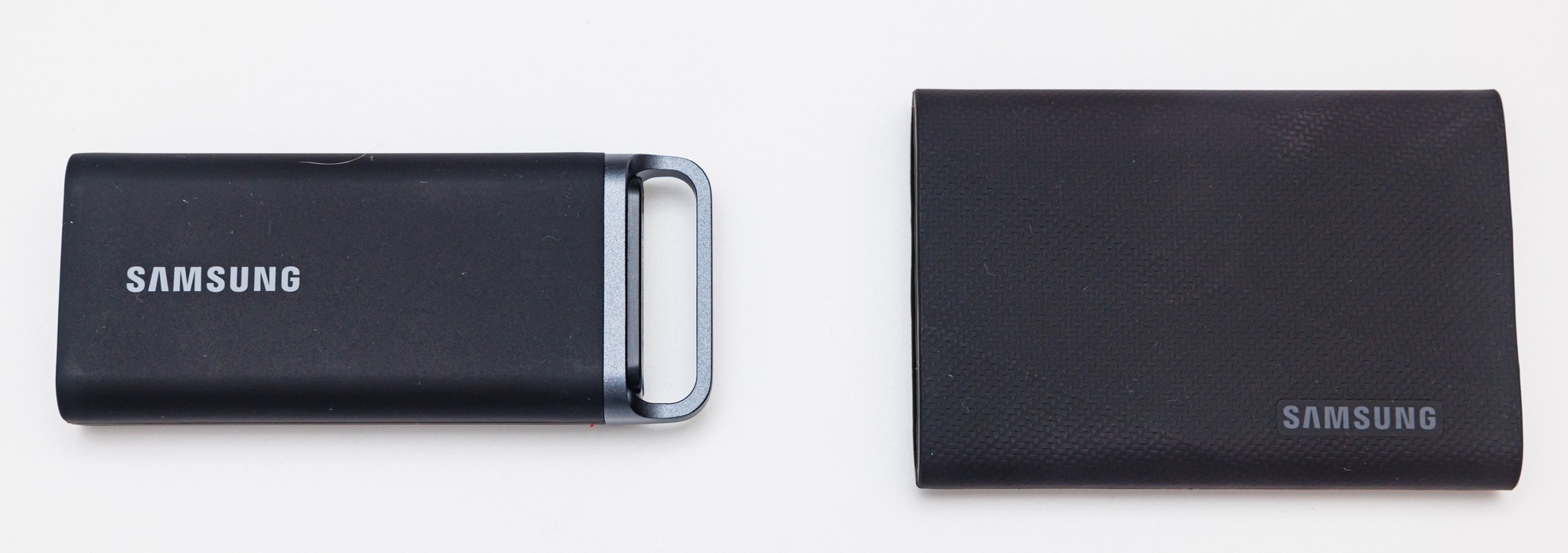
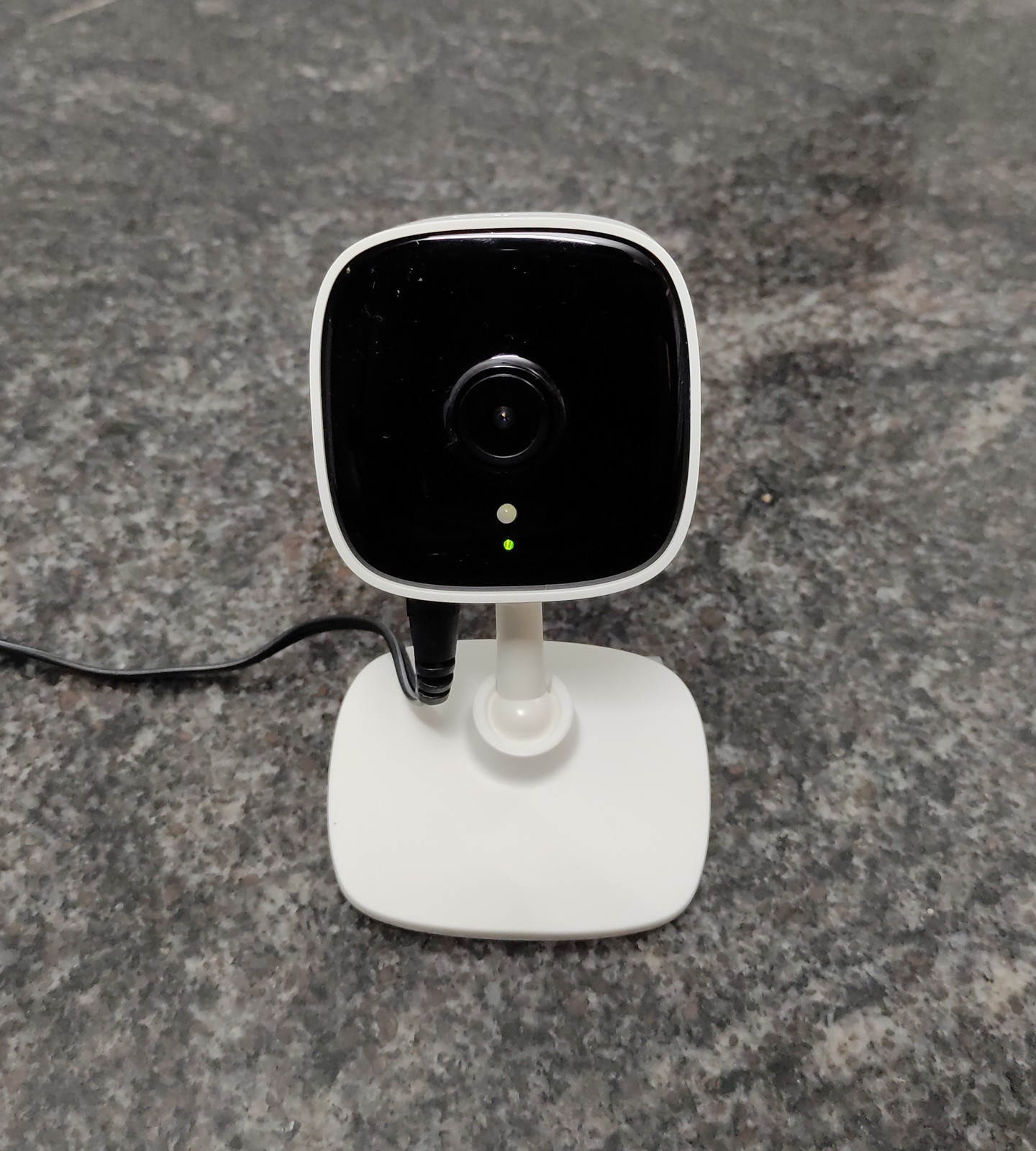
Buying storage for another device? Our portable SSD checklist covers computer connections and formats. For a security camera, the Tapo recording checklist explains the different card and recording checks that matter there.
Sources & image credits
Nintendo / Samsung
Image: Nintendo / Samsung / Official product image. Illustrative card, not a capacity recommendation or verified regional offer.
- Nintendo: check available spaceChecked
- Nintendo: data managementChecked
- Nintendo: card compatibilityChecked
- Nintendo: microSD Express FAQChecked
- Nintendo: game-key cardsChecked
- Nintendo: system transfersChecked