Buying a portable SSD in India: check the port, cable and format first
Before buying a portable SSD, check your computer’s USB mode, the supplied cable, Mac and Windows formats, and how you will keep a separate backup.
This guide was written for India. Shopping links follow your selected market; local seller, warranty and return terms still need checking. No current price or stock is verified.

By FindsRadar Editorial Team
The short answer
Choose a portable SSD around the computer and job it will serve—not the largest speed printed on its box. Check the connection on the computer, the drive’s interface and the cable between them. Then decide whether you need shared Mac/Windows files, a working drive or a dedicated backup.
This is a compatibility checklist for Indian shoppers, not a ranked list or a claim that we have benchmarked any drive.
1. Read the complete interface name
A USB-C connector alone is not a performance specification. USB-IF explicitly notes that cables have different capabilities and that a certified cable cannot add capabilities to the equipment connected to it. Check the data-rate specification as well as the power label. USB-IF cable guidance [S1]
For a concrete example, Samsung’s T9 data sheet identifies its interface as USB 3.2 Gen 2x2 (20Gbps) and qualifies its advertised transfer performance by host configuration, cable and system environment. That is a specification example, not a recommendation of the T9 or an independent speed measurement. Samsung T9 data sheet [S2]
Our buying implication: do not pay extra for a particular connection mode until you have found that same supported mode in your computer’s documentation. A higher number elsewhere on the laptop’s specification sheet is not enough to settle compatibility with a specific drive.
| Your situation | Check before spending |
|---|---|
| The listing only says “USB-C” | Find the actual data interface and included cable specifications. |
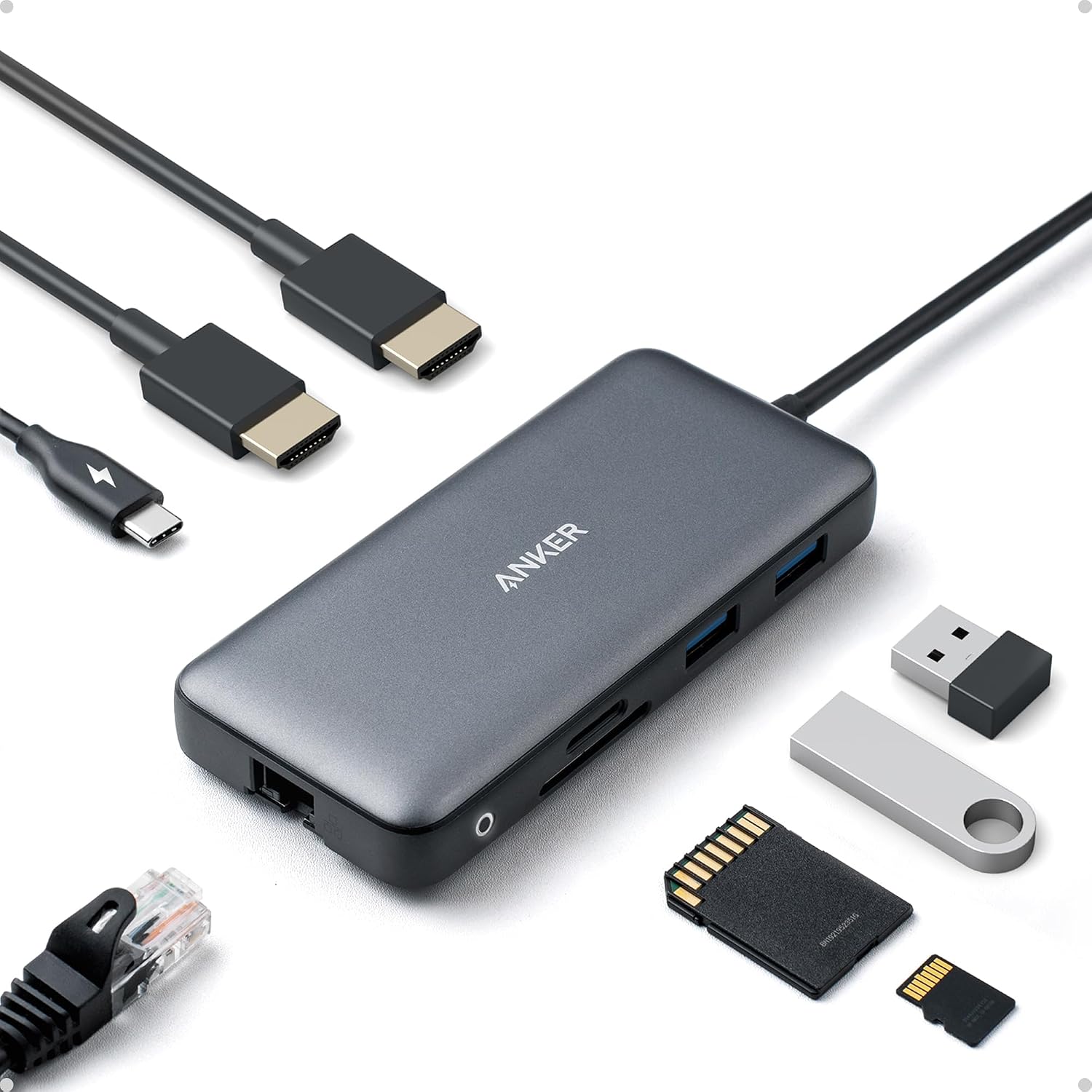
| You connect through a hub | Check the hub’s upstream connection and downstream data port, not just its charging wattage. |
| A faster drive is tempting | Confirm your host supports the drive’s performance mode and that the task justifies it. |
| You already own a drive | Try its supplied cable directly in a documented compatible computer port before buying a replacement. |
2. Decide the file format before moving important files
For an external disk shared between Mac and Windows, Apple’s Disk Utility instructions specify exFAT for disks larger than 32GB. Crucially, formatting erases the files already on that disk. Copy anything you need elsewhere and verify that copy before changing the format. Apple: format a disk for Windows and Mac [S3]
That is not the same job as a Time Machine backup. Apple identifies APFS or APFS Encrypted as the preferred Time Machine disk formats and says Time Machine cannot back up to a Windows-formatted disk. Do not assume one exFAT volume will serve both roles. Apple: Time Machine disk requirements [S4]
Our practical recommendation is to decide the role first. For occasional file exchange, test a small non-sensitive sample on both computers before moving your working library. For backups, follow your backup application's requirements. Do not reformat a healthy working disk merely to chase a headline speed.
3. Compare the full India purchase, not just capacity
Before checkout, save the exact model code, capacity and seller shown on the listing. Check whether the cable you need is included, who handles service in India, and the return or replacement terms for that seller. Ask for clarification before buying if the regional model or warranty coverage is unclear; do not infer domestic service from an international product page.
Use a simple total: drive + any necessary cable or adapter + a separate backup plan. No prices are quoted here because we have not verified a current seller offer.
The label also deserves a calm reading. Samsung’s data sheet defines 1TB as one trillion bytes and notes that a computer may show a different capacity because of its measurement standard. A display difference alone does not establish a counterfeit drive. Samsung T9 data sheet [S2]
4. Give the drive a useful first-day check
These are suggested checks, not tests we have performed on your equipment:
- Keep your originals. Copy a disposable sample folder to the new drive.
- Open several copied files and confirm they are usable on each intended computer.
- Eject the drive through the operating system, reconnect it and check the files again.
- If you need both a hub and direct connection, compare those setups using the same sample and supplied cable. Record the exact ports and software rather than declaring the drive faulty from one transfer.
- Keep irreplaceable files in more than one place. Moving the only copy onto an SSD is storage relocation, not a backup.
What this guide does not establish
We have not verified a current India listing, seller, price, warranty entitlement or any particular laptop-and-drive combination. We make no sustained-write, thermal, durability or speed-winner claims. Use the exact device manuals to confirm your configuration.
Optional shopping links
Compare portable SSDs
As an Amazon Associate, FindsRadar earns from qualifying purchases.
Search results only—confirm the exact model, price and stock on Amazon.
Portable USB-C SSDs
Match capacity, cable and USB mode to your computer. USB-C alone does not establish speed.
Search Amazon IndiaSamsung T9 (guide example)
Confirm capacity, regional warranty and host support for USB 3.2 Gen 2x2 (20Gbps).
Search Amazon IndiaSources & image credits
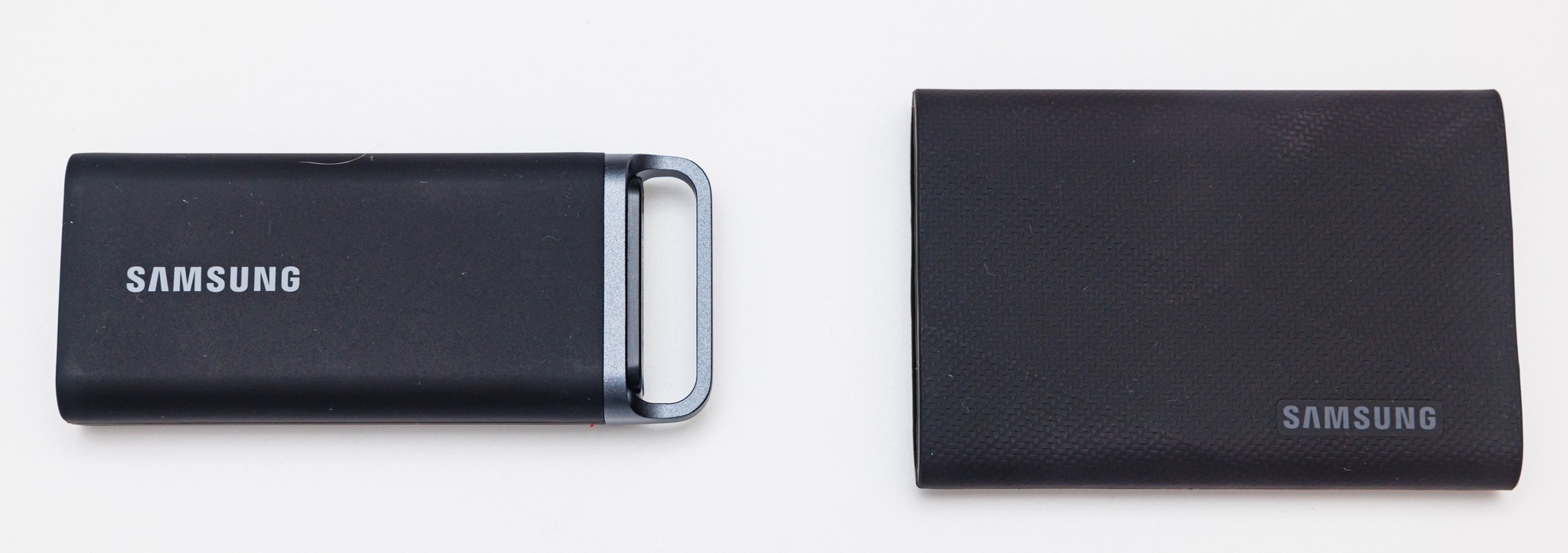
Samsung T5 EVO (left) and T9 (right), shown as portable-SSD examples—not a ranked recommendation or a speed comparison.
Image: Dinkun Chen / Wikimedia Commons · CC BY-SA 4.0. Resized and compressed; no crop or retouching.