

Can Your Power Bank Charge a Laptop? Check the Port, Power and Cable
Match your exact laptop’s USB-C charging requirements, read the bank’s output ratings, and check your airline’s battery rules. Capacity alone is not compatibility.

Maintained by FindsRadar Editorial Team
Start with your laptop, not the biggest mAh number
A power bank can charge a laptop only when the laptop supports that charging connection and the bank and cable meet its requirements. This is a documentation-based checklist, not a hands-on power-bank review or a measured runtime comparison.
There is no universal 45W minimum for every laptop. Apple lists 30W adapters for MacBook Air models introduced in 2018–2021 and for some later 13-inch models. Check the recommendation for your exact model; ordinary charging and fast charging are different targets.
Three checks before buying
- Microsoft: charger, cable and charging-port compatibility
- USB-IF: USB Power Delivery
- USB-IF: cable power ratings
| Check | What to look for | Do not assume |
|---|---|---|
| Laptop input | The exact model’s manual must confirm USB-C charging input and identify the charging port and required power profiles. | A USB-C socket or lightning-bolt symbol alone is not your model’s charging specification. |
| Power-bank output | Read the chosen port’s USB PD output profiles and wattage, not just the combined total or the bank’s input rating. Check the manual’s power-sharing table if you will charge another device too. | 20V is not a universal laptop requirement, and a larger capacity does not establish compatibility. |
| Cable rating | Choose a cable rated for the power and charging mode your laptop and bank support. | A 5A cable is not mandatory for every laptop: a properly rated 60W cable can support charging up to 60W. |
Read watts separately from capacity
Watts describe power; watt-hours describe stored energy. For an output profile, volts × amps gives watts: 20V × 3A is 60W. That arithmetic does not prove a particular laptop will accept that profile.
A bank’s advertised total can be shared across ports. Before buying, find the output available to the laptop with your intended combination of connected devices. If the manufacturer does not publish that information, ask for it rather than treating the headline number as a guarantee.
Do not promise a full laptop recharge from mAh alone. Use the bank’s stated Wh rating, the laptop’s battery capacity and actual operating conditions; conversion losses and running the laptop leave less energy for replenishing its battery.
A 60W cable is not automatically the wrong cable
USB-IF’s current certification markings identify USB-C-to-USB-C cable power capability as 60W or 240W. Its example of a 60W cable uses 20V at 3A. For a compatible setup drawing no more than 60W, a 5A cable is therefore not a blanket requirement.
For higher-power charging, choose a cable explicitly rated for the required power and mode. USB-IF describes the earlier 100W PD limit as 20V with a 5A cable; PD 3.1 extends capability up to 240W. A high-rated cable alone does not upgrade a lower-power bank or laptop.
Flying: 100Wh is included, not 99.9Wh
Under the FAA’s US passenger guidance, power banks through 100Wh are within the baseline allowance. Banks rated 101–160Wh require airline approval, with no more than two larger spare batteries per person; above 160Wh is not allowed under these passenger provisions.
Power banks must travel in carry-on baggage, protected against damage and short circuits—not in checked bags. Airlines and destinations may impose stricter limits; check your itinerary. This is not international clearance.
Prefer the printed Wh rating. Otherwise, use the voltage associated with the capacity: Wh = (mAh ÷ 1,000) × V. For example, 20,000mAh at 3.7V is 74Wh. Do not substitute the USB output voltage or assume 3.7V.
If the laptop charges slowly or not at all
- Confirm the correct charging port and the laptop manufacturer’s recommended charger and cable requirements.
- Connect the bank directly instead of through a dock, and disconnect other devices to isolate power sharing.
- Try a known-compatible cable and compare with the laptop’s recommended charger. Microsoft notes that charging while asleep or off can help when available power is limited.
- If the setup still fails, ask the laptop and power-bank manufacturers about the exact models. A charging icon is not proof that the battery will gain charge under your workload.
Frequently Asked Questions
Editorial answers to common questions. Check the cited sources, applicable region and publication date before relying on product or policy details.
Sources & image credits
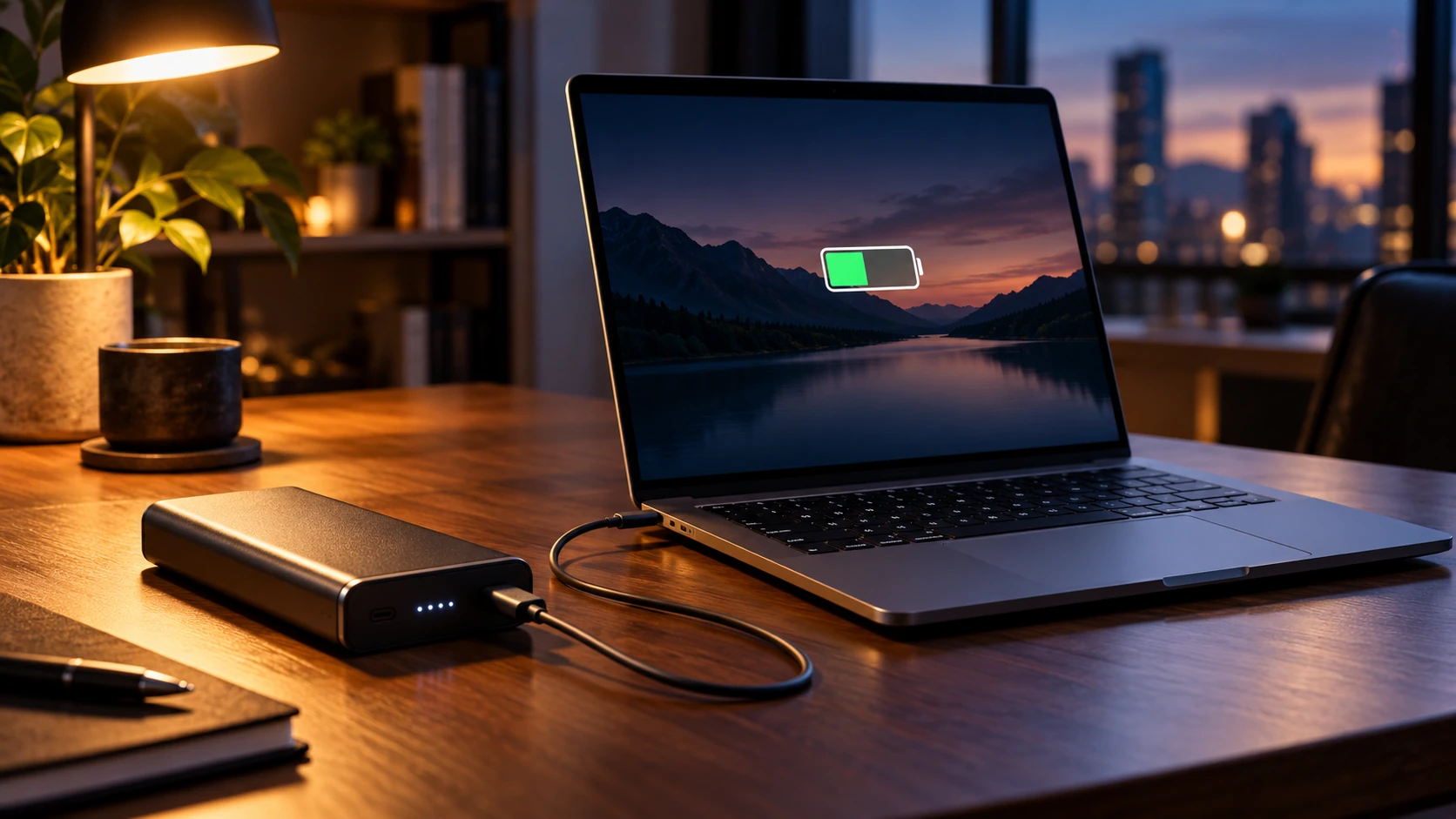
AI-generated conceptual illustration of a generic power bank and laptop. Not real product photographs, a verified connection, or a charging or compatibility test; the battery graphic is illustrative.
Image: FindsRadar, with AI image generation / Laptop and power bank — FindsRadar conceptual illustration. Full-frame AI-generated scene, web-encoded for this article. Devices and screen graphics are conceptual, not evidence of technical specifications, exact-product identity or hands-on testing.
Related Stories & Reviews
USB-C Charging vs Data Cables: Read More Than the Wattage
One cable example · Not measured charging, data or display capability.
6 min read
65W vs. 100W Chargers: How to Choose for a Laptop and Phone
A2667 source image · A2343 shown separately; no charging test or India-SKU verification.
5 min read