65W vs. 100W Chargers: How to Choose for a Laptop and Phone
Check the exact shared-port output, your laptop requirements and the cable—not just the wattage on the box.

Maintained by FindsRadar Editorial Team
Start here
Your laptop
Find its supported charging input and manufacturer-recommended adapter.
Two devices
Read the split
Check the exact ports you will use together, not the single-port maximum.
Cable check
Power rating
A higher-rated charger does not increase a cable’s rated power capability.
Evidence
Specifications
Documentation-based guidance, not hands-on testing or a best-buy ranking.
The short answer: choose the shared output your devices need
A 65W charger can be enough for a laptop and phone, but not because all 65W chargers share power the same way. A 100W model is worth considering when its documented two-port mode leaves enough power for your laptop and the phone. Neither number guarantees both devices will fast-charge.
Before buying, write down your laptop model, its supported charging connection and recommended adapter, plus the phone’s charging requirements. Then match those requirements against the charger’s exact port combination. Screen size and the GaN label are not substitutes for that check.
This is a manufacturer-documentation buying checklist. We have not measured these chargers’ temperatures, charging times, weight, efficiency or interruptions. The examples explain a specification sheet; they are not product recommendations or current price and stock checks.
Two named examples—not universal 65W and 100W rules
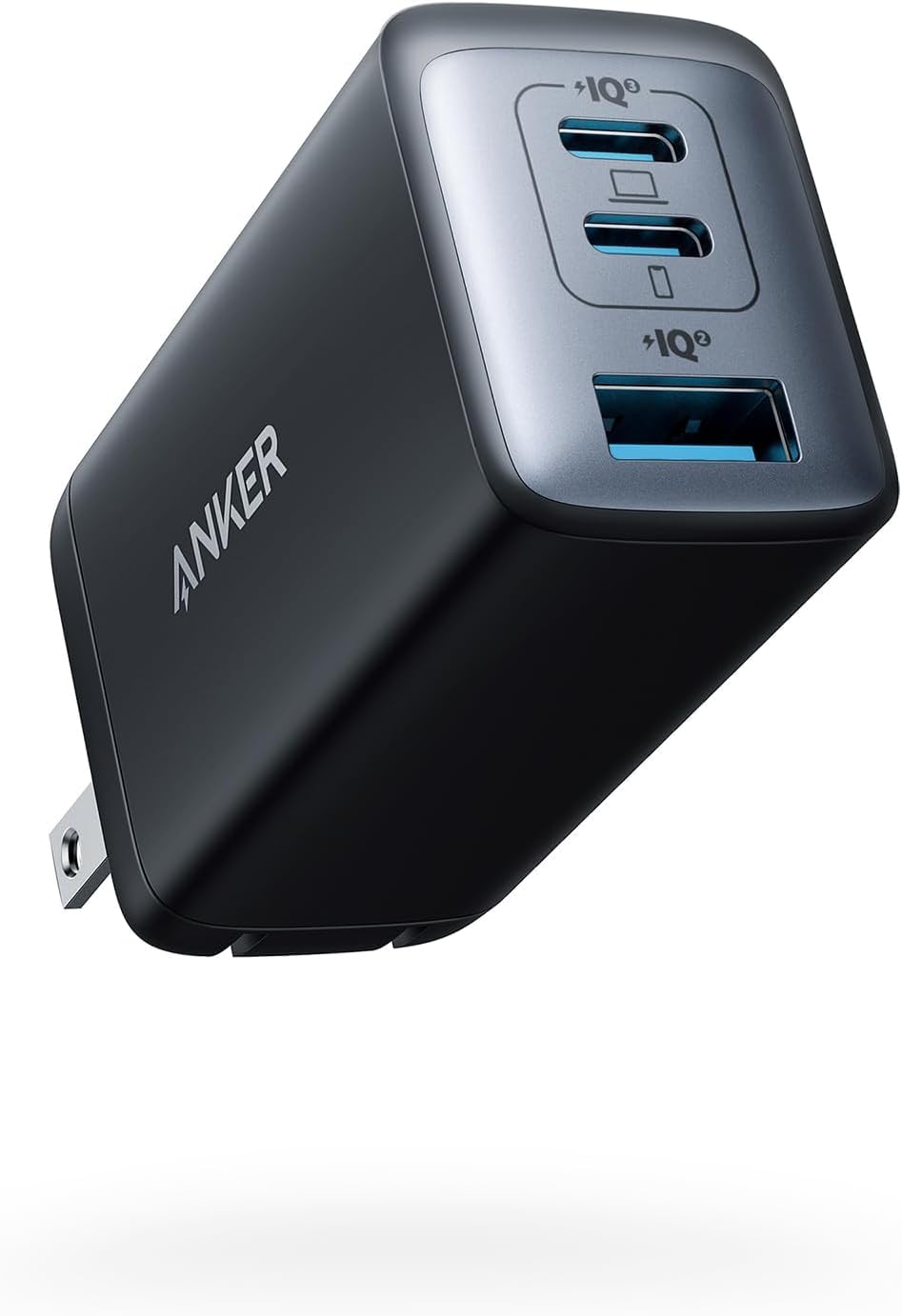
Anker’s published specifications for the A2667 and A2343 show why model numbers and port labels matter. The figures below are manufacturer-stated output limits, not power measured at a battery. Check the exact model and regional version before ordering.
- Anker 735 Nano II 65W (A2667): official output specifications
- Anker Prime 100W (A2343): official output specifications
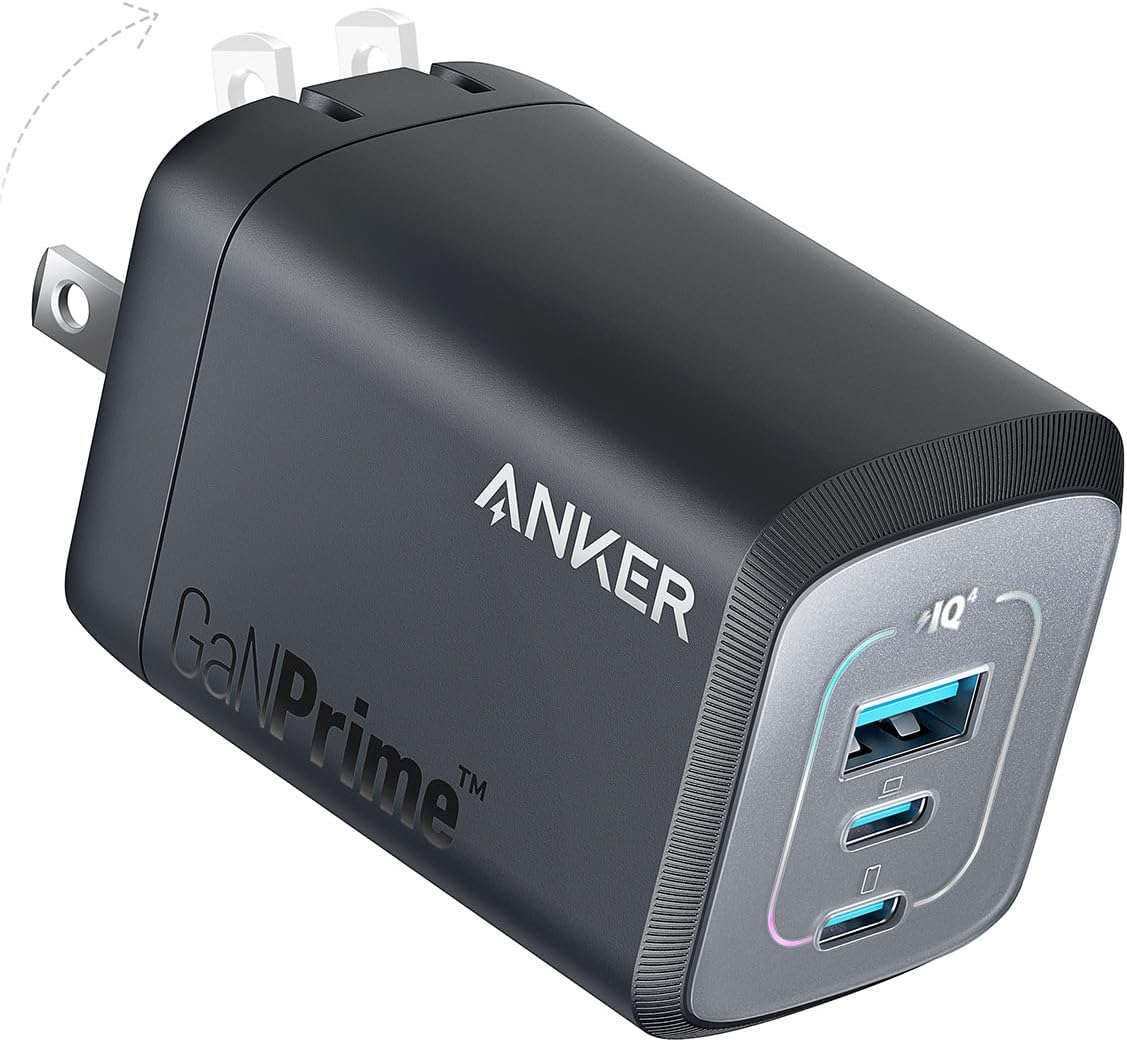
Anker Prime A2343 in Black from its Amazon.com listing. Faint prongs and the arrow are part of the original folding-plug illustration; this is not a FindsRadar test or an India plug/offer verification. The two model images are not a side-by-side charging measurement or a relative-size comparison.
Image: Source product image via Amazon.com / Amazon US image source — Anker A2343. Original source product imagery, unmodified and full frame. Owner-attested permission to reuse Amazon product images; not FindsRadar photography, testing or verification of a current offer.
| Manufacturer example | One USB-C port alone | USB-C1 + USB-C2 together |
|---|---|---|
| Anker 735 Nano II 65W (A2667) | Up to 65W from either USB-C port | Up to 45W + 20W |
| Anker Prime 100W (A2343) | Up to 100W from either USB-C port | 65W + 35W |
Only these named models and this two-USB-C combination. Do not apply the figures to GravaStar, Geonix or another 65W/100W charger.
Read the row for the ports you will actually use
For the A2667, using USB-C2 and USB-A instead of both USB-C ports changes the published limits to 12W + 12W. Moving a cable can therefore matter as much as changing chargers. Adding a third device requires another check of the manufacturer’s three-port table.
As a planning example, if your laptop needs a 65W input for your intended use, the A2667’s 45W two-USB-C allocation does not meet that target. The A2343’s listed 65W laptop allocation meets the wattage target on paper, but you still need compatible charging profiles and cables. This is a specification comparison, not a promise of charge speed.
Do not assume every compatible phone gets its fastest mode. Anker specifically says the A2667 does not support the Galaxy S22 Ultra’s 45W Super Fast Charging 2.0. Check the phone maker’s requirements for your own model.
Check the cable before paying for more watts
USB-IF distinguishes cable power capability from device capability. Its current certification markings use 60W or 240W power logos. For a planned 65W or 100W laptop connection, do not select a cable rated only for 60W; choose a properly rated cable from a trusted source and follow the device manufacturer’s requirements.
A 240W cable is a capacity rating, not a promise that your laptop or phone will charge at 240W. Charging power and data speed are also separate specifications—do not infer fast file transfers or display support from the wattage label.
If the laptop charges slowly or loses charge while plugged in
Microsoft lists several possible causes: an incompatible or insufficient charger, the wrong charging port, or a cable that does not meet the PC’s power requirements. A warning does not prove that every 65W charger has dropped to 45W.
Try the laptop on its own with the manufacturer-recommended charger and cable, using its charging port. Then compare the multiport charger’s documented output with and without the phone attached. If the issue remains, use the device maker’s troubleshooting guidance rather than assuming a larger headline wattage will fix it.
Do not treat every disconnect or screen blink as a normal one-second safety reset. Behavior is model-specific; this guide has not measured it. Check the exact charger’s manual or support team, especially before relying on it for equipment that must stay powered.
A practical buying decision
- Keep a suitable 65W charger if its documented shared output and your cables meet both devices’ requirements. There is no need to upgrade just for the larger number.
- Consider a 100W model when the exact shared-port allocation solves a documented shortfall. Check the laptop allocation, phone requirements and port placement before comparing prices.
- If neither model supplies the required laptop input while sharing, use separate adapters or choose a different power arrangement recommended by the device manufacturer.
- Compare the exact model’s dimensions, weight, input-voltage range and plug type. Do not assume all GaN chargers are smaller, cooler or suitable for every travel destination.
- Check current retailer pricing, regional model and return terms yourself. No live offers or tested winners are asserted here.
Frequently Asked Questions
Editorial answers to common questions. Check the cited sources, applicable region and publication date before relying on product or policy details.
Sources & image credits
Anker A2667 (listing part A2667111), from the selected Amazon.com product image. This is source product imagery, not a FindsRadar charging test or verification of an India SKU. The two model images are not a side-by-side charging measurement or a relative-size comparison.
Image: Source product image via Amazon.com / Amazon US image source — Anker A2667. Original source product imagery, unmodified and full frame. Owner-attested permission to reuse Amazon product images; not FindsRadar photography, testing or verification of a current offer.
- Geonix Atomic G65 model informationChecked
- Anker 735 Nano II 65W (A2667): official output specificationsChecked
- Anker Prime 100W (A2343): official output specificationsChecked
- USB-IF: cable capabilities and power-rating logosChecked
- Microsoft: PC charging slowly or discharging while plugged inChecked