

Carry-On Tech Packing: Check Bag Size, Charger Compatibility and SSD Requirements
A practical packing checklist—not a measured bulk-reduction test. Match your packed bag to your fare, check charging requirements and test your backup workflow before departure.

Maintained by FindsRadar Editorial Team
Start with your operating airline and booked fare
There is no universal 7kg carry-on rule. Check the operating airline’s current weight, dimensions, number of pieces and fare inclusions for every flight, including connections. A bag’s advertised litre capacity does not establish whether the packed bag will be accepted.
IndiGo lists one cabin bag up to 7kg, with maximum dimensions of 55 × 35 × 25cm and a 115cm combined-dimension limit. Ryanair includes a small 40 × 30 × 20cm under-seat bag; its paid Priority & 2 Cabin Bags option adds a 10kg bag up to 55 × 40 × 20cm for the overhead locker. These are different allowances, not interchangeable standards.
Measure your fully packed bag, including protruding pockets and handles, and weigh it with the equipment you will carry. Do not assume a 40L expandable backpack fits under a seat or that compressing its contents reduces their weight. Recheck the airline’s rules before departure.
Make a packing budget before buying a backpack
Weigh your existing bag empty, then your essential clothing, toiletries and tech. Compare the total with your booked allowance before adding organizers or replacement equipment. Choose the bag that meets your needs and measured limits, not a promise that one size works on every airline.
This article has no measured comparison supporting the former 50% bulk-reduction or 45% space-saving claims. It also does not verify the former MANSOVA bag’s 900g weight, dimensions or price. Those claims and product recommendations have been withdrawn rather than replaced with estimates.
Use a small pouch if it helps you find cables and adapters, but count its weight too. A pouch is not automatically waterproof and does not exempt its contents from screening. Keep items accessible and follow airport staff’s instructions.
Treat the charger, cable and plug adapter as separate checks
List each device’s connector and charging requirements. A compatible multi-port charger may replace several chargers, but check the exact model’s output with all intended ports occupied. A cable’s USB-C rating does not establish the same charging power through a Lightning adapter or another connector.
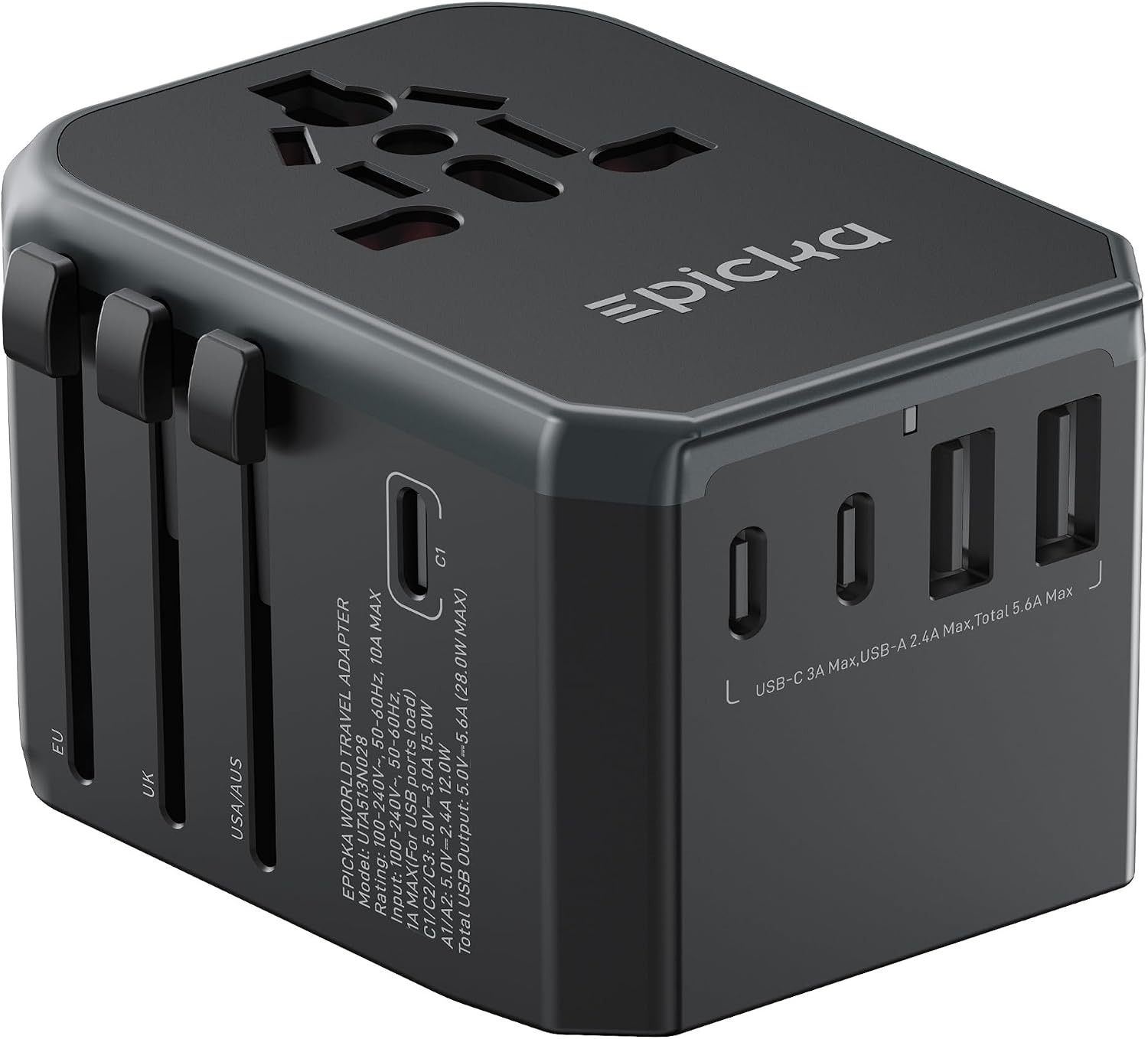
A travel adapter changes plug compatibility; it does not convert voltage or frequency. Match the destination’s socket, the appliance’s input range, the adapter’s load rating and any required earth connection. A universal label does not mean every country, appliance or wall socket is supported.
The earlier claim that one adapter and retractable cable power every device worldwide is withdrawn. Before departure, test your actual charger, cables and devices together. For power banks, consult the linked travel-tech guide and each operating airline’s current battery and cabin-storage rules.
Separate SSD read speed from recording requirements
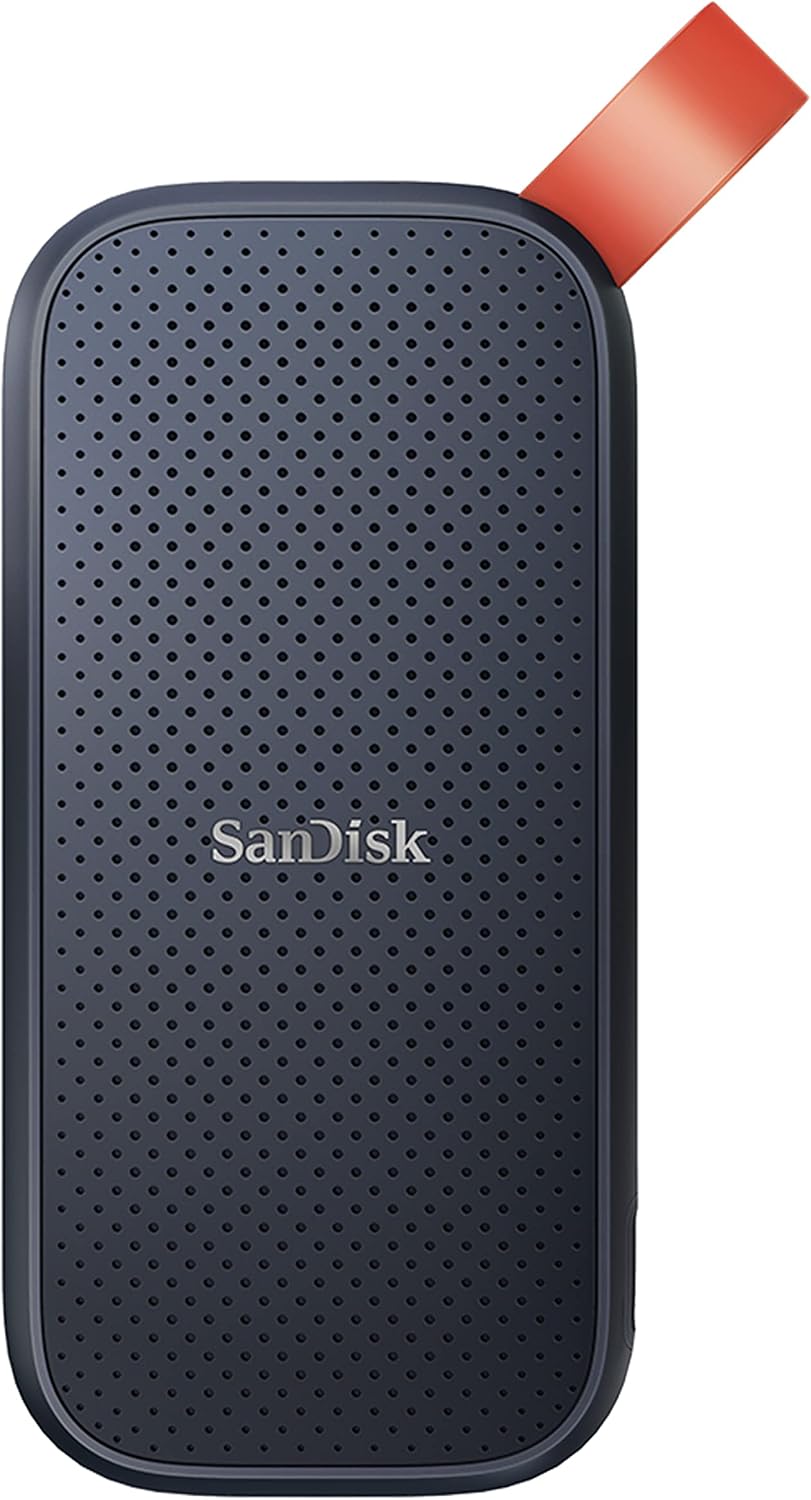
SanDisk lists its Portable SSD family at up to 800MB/s read speed. That is a manufacturer maximum, not a measured result from FindsRadar, a sustained-write guarantee or proof that a particular phone-and-drive setup will record without interruption.
Apple supports external ProRes recording on iPhone 15 Pro and 16 Pro models, subject to its storage requirements. For 4K60, it specifies at least 220MB/s write speed and a maximum 4.5W storage-device power draw. The drive must use exFAT, without password encryption, and the USB 3 cable must support at least 10Gb/s.
For 4K120 on a supported model such as iPhone 16 Pro, Apple specifies at least 440MB/s write speed and recommends reformatting before each recording session. Formatting erases data: save needed files elsewhere first. Check the complete current requirements for your phone and recording mode, then test the exact drive, cable and workflow before relying on them.
The earlier zero-dropped-frames guarantee and claim that airport scanners threaten hard-drive data were unsupported and are withdrawn. Keep a separate copy of important files; this checklist does not certify a specific SSD as an iPhone recording recommendation.
A short pre-departure check
Confirm the fare allowance; measure and weigh the packed bag; verify charger output and cable compatibility; check destination electrical requirements; and test file transfers or recording before you leave.
Remove equipment that duplicates a function you do not need. Keep equipment required for accessibility, health, work or a reliable backup even if that means choosing a different baggage allowance. There is no guaranteed percentage saving or trip duration that works for everyone.
Frequently Asked Questions
Editorial answers to common questions. Check the cited sources, applicable region and publication date before relying on product or policy details.
Sources & image credits
SanDisk Portable SSD, 1TB SDSSDE30-1T00-G26, shown as the manufacturer-documentation example discussed in this checklist. Source product image—not a FindsRadar performance test, iPhone recording recommendation or airline-fit approval.
Image: SanDisk source product imagery / Amazon-hosted source product image. Owner-asserted permission, 31 Oct 2026. Unmodified full-frame source image. No current offer, delivered firmware, recording compatibility or regional availability is established.
Related Stories & Reviews
Travel Tech Packing for India Trips and International Flights
TA-105+ source example · Housing code differs; no travel approval.
7 min read
Can Your Power Bank Charge a Laptop? Check the Port, Power and Cable
AI illustration · Generic laptop and power bank, not a verified charging setup or test.
5 min read