XREAL AURA laptop setup: check the puck and USB-C cable before you buy
Two connection modes offer different features. Check the port, cable, fit and regional support before spending.

Maintained by FindsRadar Editorial Team
Start with the connection you actually want
First decide whether you want a laptop window inside Android XR or an external display connected directly to your laptop. AURA supports both paths, with different features. The included charging cable is power-only, so it cannot carry your laptop’s video.
This documentation-based guide helps you plan before spending. FindsRadar has not tested AURA hardware, battery life, comfort or text clarity.
Choose between the two paths
For mirrored laptop content, use the laptop’s own keyboard, mouse or controller. A picture in AURA does not establish that its touchpad can control your computer.
| Connection | What it provides | What to check |
|---|---|---|
| Laptop → puck → glasses | A laptop picture within Android XR. | Source to the puck’s charging/DP-in port; glasses to the glasses port. |
| Laptop → glasses directly | A host-powered external display with Anchor/Follow controls. | Use the glasses cable. This mode lacks Android XR apps, Gemini and Android XR hand interaction. |
Check the exact port, not just the laptop name
XREAL specifies USB-C DisplayPort Alt Mode output for compatible sources and warns that device compatibility can differ. Look up the exact port you plan to use. A USB-C connector or charging capability alone does not establish video support.
Before buying, note your laptop model, chosen port, cable model and intended mode. Resolve unclear port specifications first. A regional store listing cannot establish technical compatibility.
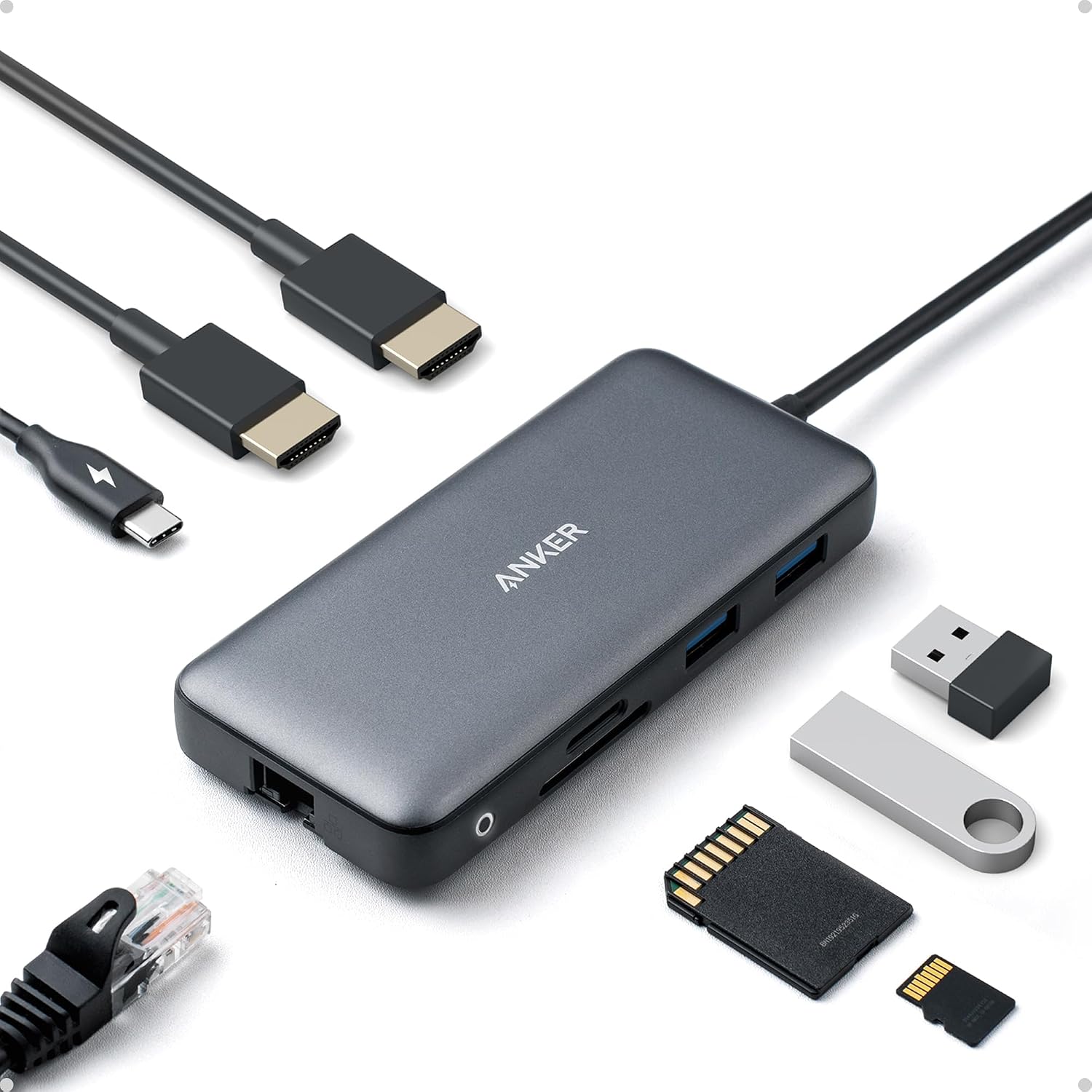
For HDMI, check the adapter’s signal direction and power requirements. Do not assume your usual laptop USB-C-to-HDMI adapter works in reverse.
Check the display arrangement your work needs
Google’s October 28 announcement describes Wired Mirroring as a resizable laptop window beside Android XR apps, without extra software installation. Direct glasses mode can use the laptop’s mirror/extend setting. These descriptions do not establish several independent extended laptop monitors.
Write down the arrangement you need: a mirrored work screen, a document beside an Android browser, or a particular game and controller. Check that scenario rather than relying on a broad multi-screen promise.
XREAL’s app guide warns that app-store access does not guarantee every phone app or desktop workflow works unchanged. Confirm your essential work tools, streaming services and sign-in requirements before treating AURA as a replacement for your current setup.
Budget for the whole setup, including fit
XREAL’s FAQ lists 95g glasses and a separate 265g puck. The glasses have no battery. The stated three to four hours of typical puck use is a manufacturer estimate, not a FindsRadar battery result.
The specifications give M sizing for 60–66mm interpupillary distance and L for 66–72mm. Check fit and any prescription-lens needs before choosing. Frame weight alone cannot tell you whether text will look clear or a long session will feel comfortable.
Activation requires a Google account. Include any necessary video cable and prescription lenses in your planning, and check the seller’s actual return conditions. Avoid buying several adapters before confirming the basic connection.
Google lists AURA for users aged 18 and older, with a compatible account required. Check this before choosing it as a gift.
XREAL says a charger is not included, and the lanyard is supplied only with the 16GB model. Check the bundle and documented PD/PPS requirements before adding accessories.
Regional availability: check support before importing
A US product page does not establish an India offer, local warranty or delivery eligibility. Check the selected configuration and country on XREAL’s regional site. We have not verified an Amazon destination or delivered checkout total for this guide.
Google’s launch announcement lists the US, Canada, Japan and Korea. India is not listed there; that does not establish an India launch date or INR price. A currency conversion or importer offer would not settle regional support.
Check current shipping and return conditions before ordering. An ordering button is not proof of immediate stock or a guaranteed arrival date.
Keep what works, and buy only for a specific need
Our practical advice: if your current monitor and dock already handle your work, keep them. Do not buy AURA or new adapters simply to replace a working extra-screen setup. Consider it for a specific wearable-display or Android XR use case after checking the connection, fit and regional support.
Wait before spending if the chosen port, essential apps or seller support and return conditions remain unclear. You do not need to buy hardware to finish those checks.
For the underlying cable and port questions, our USB-C hub and dock checklist is the useful next read. It explains what to verify before adding another accessory.
Frequently Asked Questions
Editorial answers to common questions. Check the cited sources, applicable region and publication date before relying on product or policy details.
Sources & image credits
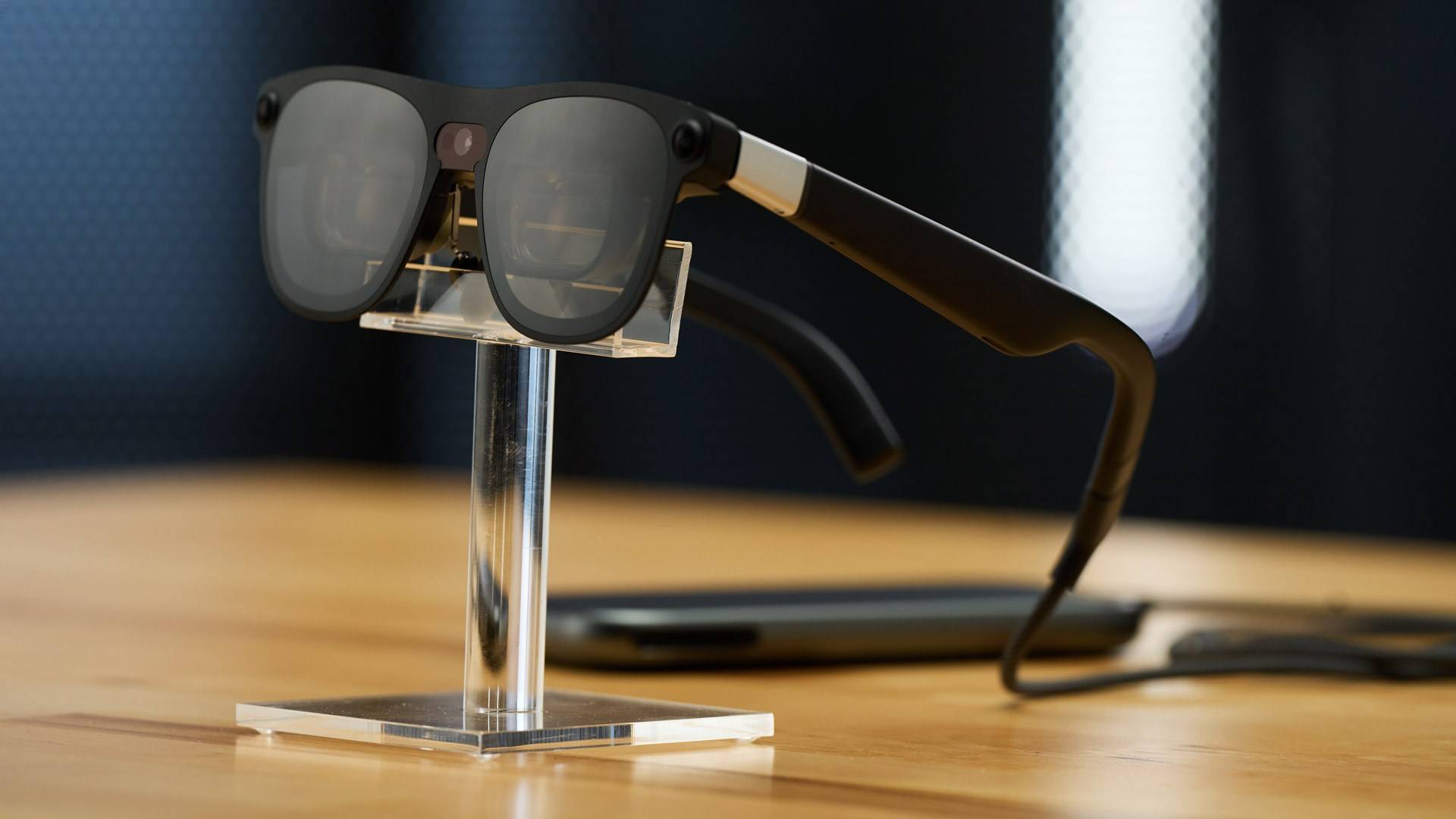
XREAL press photograph; not a FindsRadar hands-on test.
Image: XREAL / XREAL AURA press assets. Issuer-distributed press asset for editorial illustration. No blanket license or endorsement claimed.
- XREAL: connecting other devicesChecked
- XREAL AURA: frequently asked questionsChecked
- Google: XREAL AURA launch announcement, October 28, 2026Checked
- XREAL US: AURA configurations and shipping noticeChecked
- XREAL US: AURA specifications and launch offerChecked
- XREAL: AURA and the compute puck explained, October 11, 2026Checked