

HDMI vs. DisplayPort for Gaming Monitors: Follow the Port Specs, Not Marketing Names
Why connector names alone deceive buyers: comparing HDMI 2.0 vs 2.1 and DisplayPort 1.4 vs 2.1 bandwidth, G-Sync compatibility, DSC (Display Stream Compression), and console vs. PC constraints.

Maintained by FindsRadar Editorial Team
DisplayPort 1.4
32.4 Gbps
Supports 1440p 240Hz and 4K 144Hz via Display Stream Compression (DSC)
HDMI 2.1 FRL
48.0 Gbps
Required for full 4K 120Hz 10-bit RGB on PS5 and Xbox Series X
G-Sync Compatibility
Native on DP
NVIDIA graphics cards strictly require DisplayPort for variable refresh on FreeSync panels
Console Limit
HDMI Only
PS5 and Xbox Series X/S completely omit DisplayPort outputs
The Great Cable Confusion: Why Connector Names Tell Only Half the Story
Walk into any electronics forum or subreddit, and you will see conflicting advice: 'Always use DisplayPort for PC gaming!' or 'HDMI 2.1 has more bandwidth, switch to HDMI!'
Both statements are partially true, but without looking at the exact version number of both the graphics card output port and the monitor's input port, gamers frequently end up locked to 60Hz or locked out of variable refresh rates.
An HDMI 2.0 port is fundamentally different from an HDMI 2.1 port, and a DisplayPort 1.2 port cannot deliver what DisplayPort 1.4 or 2.1 can. Understanding the specific bandwidth caps of each standard ensures you achieve the full resolution, bit depth, and refresh rate you paid for.
Port Specifications Comparison Matrix: DisplayPort vs HDMI
| Interface Standard | Raw / Usable Bandwidth | Max Uncompressed Resolution & Refresh | VRR & G-Sync Behavior | Primary Best Use Case |
|---|---|---|---|---|
| DisplayPort 1.2 | 21.6 Gbps / 17.28 Gbps | 1080p @ 144Hz / 1440p @ 75Hz | Basic FreeSync supported | Legacy 1080p budget monitors |
| DisplayPort 1.4 (HBR3) | 32.4 Gbps / 25.92 Gbps | 1440p @ 240Hz / 4K @ 120Hz (uncompressed) | Universal NVIDIA G-Sync & AMD FreeSync | Enthusiast PC gaming & competitive esports |
| DisplayPort 2.1 (UHBR20) | 80.0 Gbps / 77.37 Gbps | 4K @ 240Hz / 8K @ 60Hz uncompressed | Universal ultra-low latency VRR | Next-gen flagship GPUs and OLED panels |
| HDMI 2.0 (TMDS) | 18.0 Gbps / 14.40 Gbps | 1080p @ 240Hz / 1440p @ 144Hz (8-bit) | Limited FreeSync support (No G-Sync on most monitors) | Standard office displays and legacy consoles (PS4/Xbox One) |
| HDMI 2.1 (FRL 48G) | 48.0 Gbps / 42.60 Gbps | 4K @ 120Hz (10-bit HDR) uncompressed | HDMI Forum VRR (Xbox & PS5 native) | Modern 4K OLED TVs, PS5, Xbox Series X, high-end PC |
NVIDIA G-Sync Rule: Why DisplayPort Remains Crucial for PC
If you game on a Windows PC with an NVIDIA GeForce graphics card and use a 'G-Sync Compatible' monitor (which uses VESA Adaptive-Sync / AMD FreeSync hardware), you almost certainly must use DisplayPort.
While native G-Sync monitors with dedicated hardware modules support HDMI, G-Sync Compatible certification on the vast majority of gaming panels only functions over DisplayPort connections.
Connecting an NVIDIA GPU to a FreeSync monitor over HDMI will often gray out the 'Enable G-SYNC / G-SYNC Compatible' checkbox inside NVIDIA Control Panel, causing visible screen tearing in fast-paced games.
Final Assessment & Recommendation
For PC gaming, DisplayPort 1.4 / 2.1 remains the superior, trouble-free default choice because it guarantees universal NVIDIA G-Sync and AMD FreeSync compatibility. For console gaming (PS5, Xbox Series X) or connecting high-end PCs to 4K 120Hz OLED televisions, certified Ultra High Speed HDMI 2.1 is strictly required.
What We Liked
- DisplayPort delivers bulletproof G-Sync and FreeSync variable refresh rate compatibility on PC
- Display Stream Compression (DSC) on DP 1.4 enables 4K 144Hz over existing cables without visual degradation
- HDMI 2.1 provides immense 48 Gbps bandwidth for next-generation 4K console gaming
Things to Consider
- Consoles completely lack DisplayPort connectors, making HDMI mandatory for living room gaming
- HDMI 2.0 cables are frequently mislabeled on budget marketplaces as '4K gaming cables'
Frequently Asked Questions
Editorial answers to common questions. Check the cited sources, applicable region and publication date before relying on product or policy details.
Sources & image credits
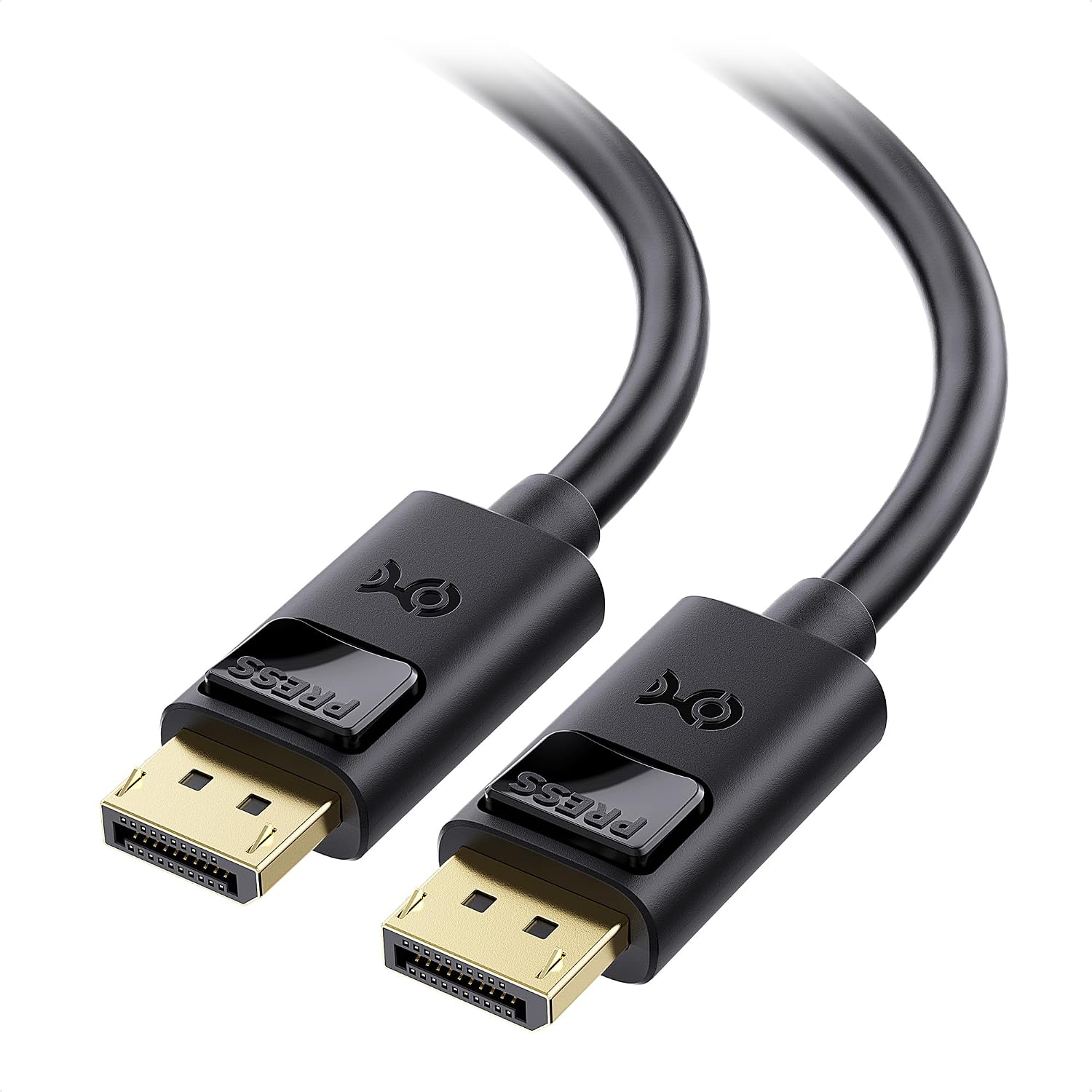
Product image from Amazon.com: Cable Matters DisplayPort cable, model 102025, 6-foot version. Both pictured ends are DisplayPort, not HDMI.
Image: Amazon.com product listing / Cable Matters 102025 DisplayPort cable — 6 feet, 1 pack — source listing image. Owner-asserted permission to use Amazon product images, 31 October 2026. Source product image showing one cable type in this comparison; not FindsRadar testing or proof of a complete display setup's capabilities. No price, stock, India availability, retail offer, hands-on testing or newly verified article-body claims are inferred.
Related Stories & Reviews
Your 144Hz Monitor Is Running at 60Hz: A Windows 11 Diagnostic Checklist
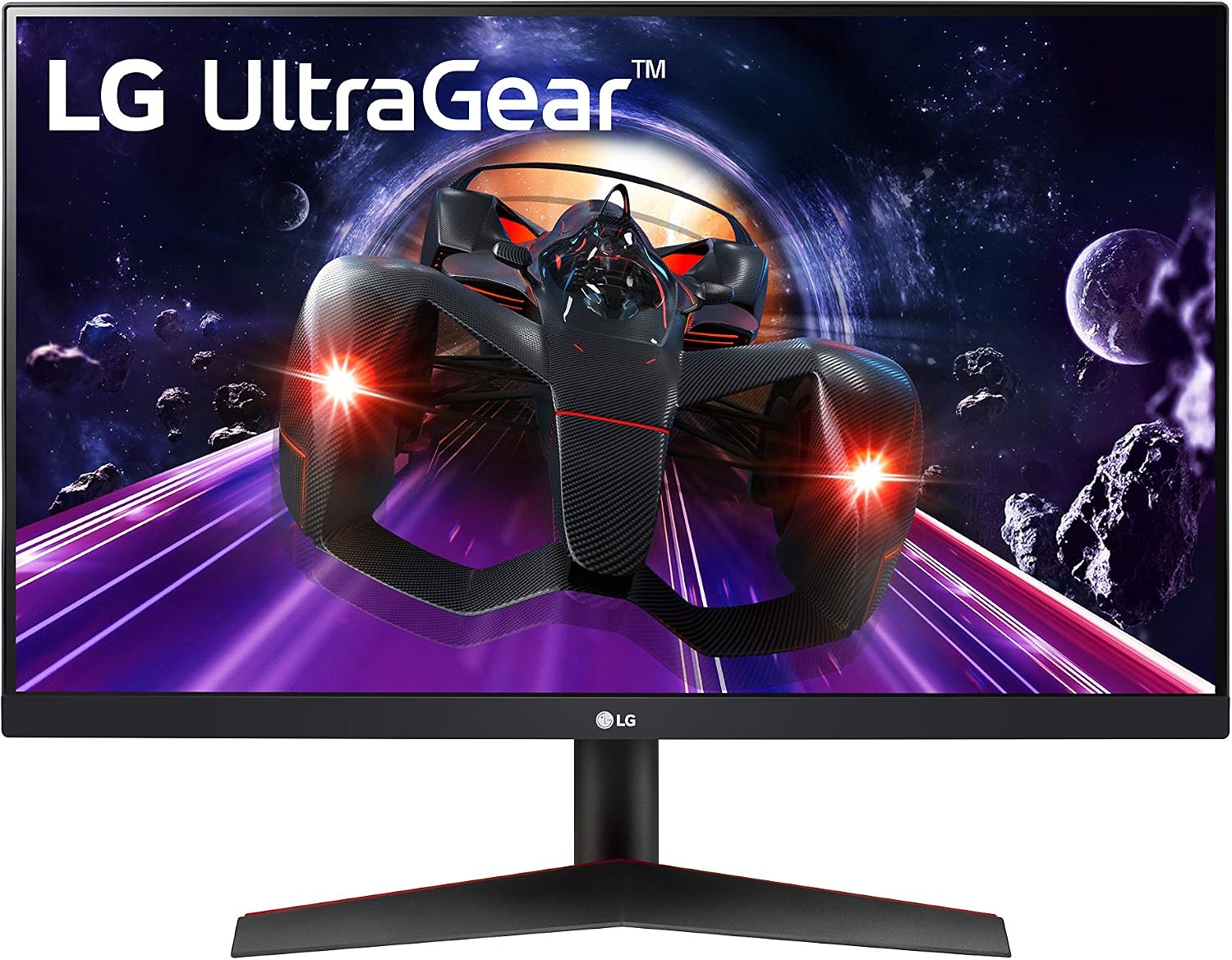
LG lists this model as discontinued. It illustrates the monitor category, not a current purchase recommendation or a Windows settings screenshot.
6 min read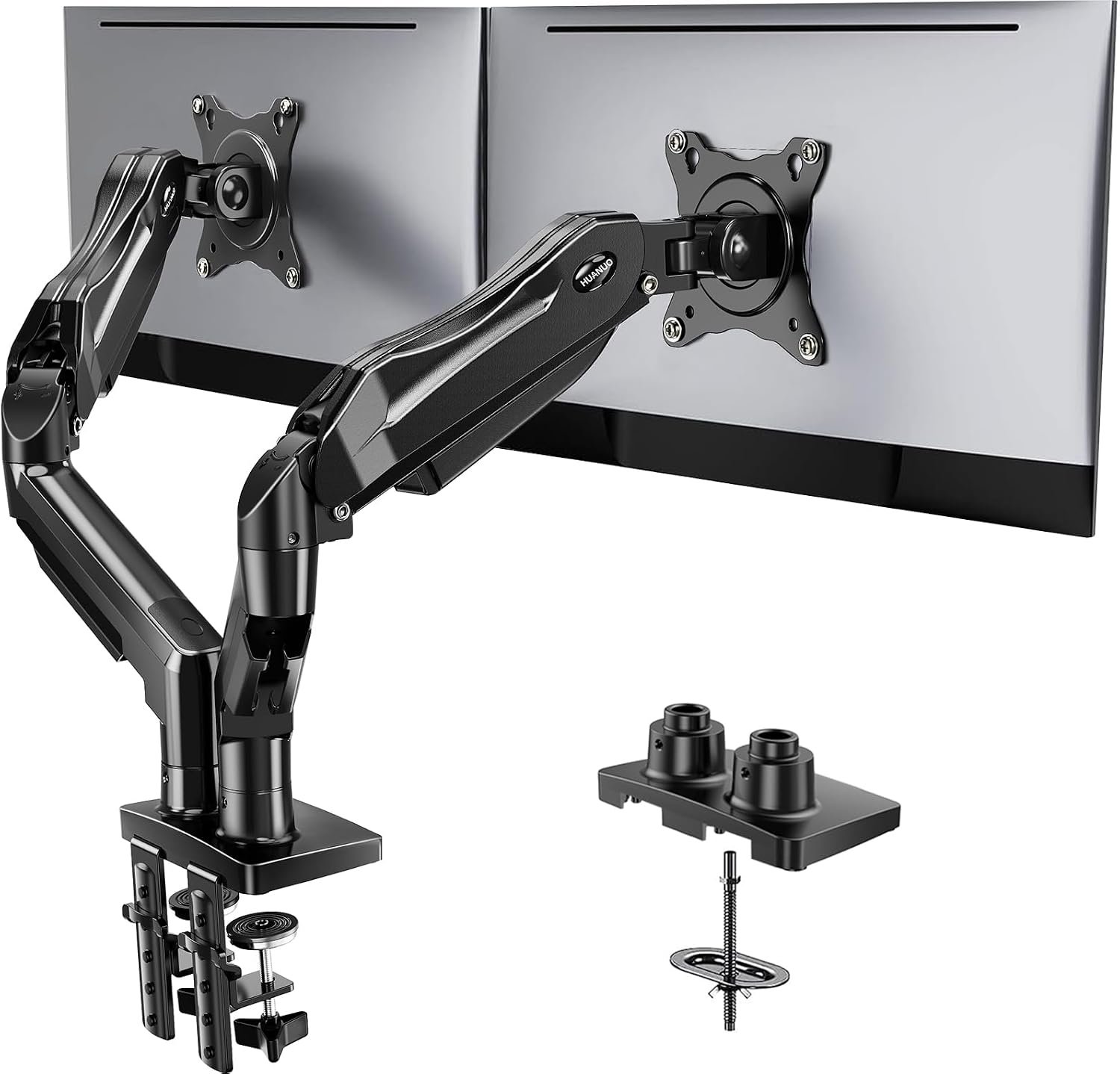
How to Choose a Monitor Arm: Weight Without Stand, VESA Patterns, and Desk Clearance
Separate arm example · Monitors not included; no desk-fit test.
8 min read