Apple Pencil USB-C or Pro? Match the iPad before buying
Match your iPad before buying an Apple Pencil. Check pressure sensitivity, magnetic charging, app controls and whether your existing Pencil still fits.

Maintained by FindsRadar Editorial Team
Before you buy
A Pencil that attaches to the side of an iPad is not necessarily charging there. A model with “Pro” in its name is not a universal upgrade for every iPad either. Start with the tablet you own and the work you want to do, then compare the supported options.
This guide uses manufacturer and app-developer documentation. It does not claim that FindsRadar has tested drawing latency, battery life or nib feel.
Identify the iPad before choosing the Pencil
Use Apple's model-identification guide to establish the exact iPad model. Keep its generation or chip name, not just “iPad Pro” or “iPad Air,” in your shopping notes. If the name is unclear, use the model number and Apple's matching list.
Apple's current compatibility guide lists Pencil (USB-C) for iPad (10th generation) and iPad (A16), but neither is in Pencil Pro's supported list. Both Pencils are listed for iPad Pro 11-inch (M4). These are examples, not a complete table.
Apple lists iPadOS 17.1.1 or later for Pencil (USB-C), and iPadOS 17.5 or later for Pencil Pro. These are accessory requirements, not a promise that every listed iPad can run those older releases. Match your exact device and its supported software before purchasing.
Do this before looking at sale prices. A retailer's broad “for iPad” title, a USB-C port or a matching screen size is not enough to choose the right accessory.
Decide whether pressure sensitivity matters to your work
Apple's feature comparison distinguishes pressure from tilt: Pencil Pro supports pressure sensitivity; Pencil (USB-C) does not. Both support tilt.
If your drawing workflow depends on pressure-controlled brush strokes, make that a requirement rather than an afterthought. If your work is mostly handwritten notes or document markup, decide how much you actually value pressure control. The absence of pressure sensing does not prevent all drawing, and the Pro name does not guarantee a better result for every task.
Write down two or three specific actions you want the Pencil to improve. That is a more useful basis for spending than buying the model with the longest feature list.
Separate magnetic storage from pairing and charging
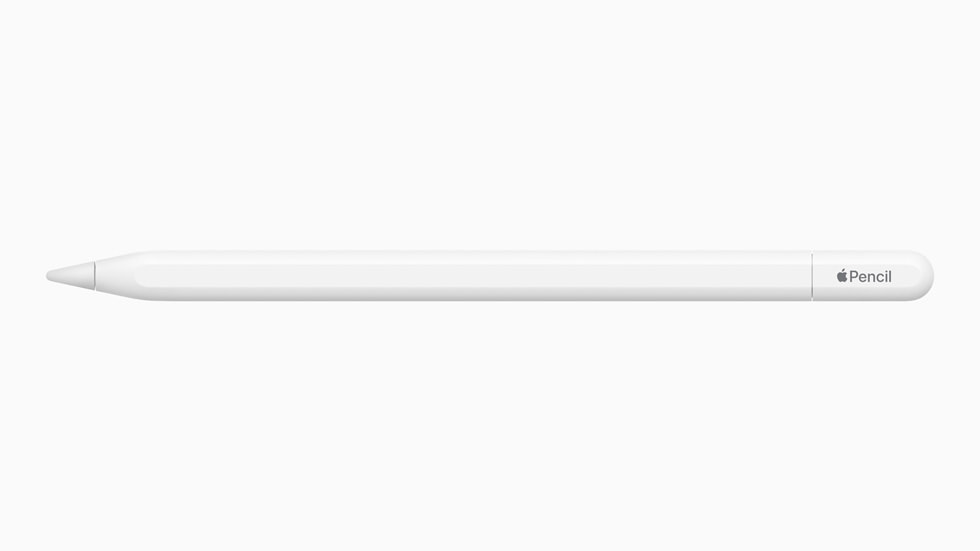
Pencil (USB-C) has a sliding cap covering its USB-C port. It pairs and charges with a USB-C cable. Attaching it magnetically to an iPad is for storage; Apple's original documentation says that this puts it into a sleep state to preserve its battery.
Pencil Pro uses a compatible iPad's magnetic interface for pairing, charging and storage.
Think about the routine rather than just the connector. Are you comfortable keeping a suitable cable available, or is charging while stored an important convenience? Check what the actual retail package includes. Do not buy an extra cable or adapter until you know whether your existing equipment does the required job.
Check your apps before paying for extra gestures
Pencil Pro adds squeeze, barrel roll and haptic feedback, along with Find My support. Apple also describes how developers can create their own interactions.
That makes your app choice relevant. Procreate Dreams, for example, documents squeeze for playing or pausing in particular views and barrel-roll behaviour that depends on the workflow and brush settings. This does not establish identical behaviour in every drawing or note-taking app.
Check the help page for the app you use, including any version or brush-setting requirements. If possible, try the exact action in a demonstration before deciding it justifies a hardware upgrade. A feature that you rarely use may matter less than a charging routine or a comfortable case fit.
An existing first-generation Pencil may still be useful
If you already own a first-generation Apple Pencil and are moving to iPad (A16) or iPad (10th generation), check the adapter route before replacing the Pencil. Apple's USB-C to Apple Pencil Adapter is specifically required to pair and charge that combination, with a USB-C charge cable completing the connection. It is a different accessory from the Pencil (USB-C) itself.
Apple's original USB-C Pencil announcement also confirms pressure sensitivity on the first-generation Pencil. Do not assume that switching to a newer connector-named model preserves every feature you already use.
Check that your existing Pencil works and that the proposed iPad/Pencil pairing is supported. An adapter cannot turn an otherwise unsupported Pencil into a universally compatible one.
Make the purchase solve a specific problem
Before checkout, record:
- Exact iPad model and current software version.
- Full Pencil model name and the manufacturer's compatibility confirmation.
- Whether you need pressure input, particular gestures or simply handwriting.
- The documented charging method and any genuinely missing accessories.
- The selected seller, condition, return terms and warranty support in your region.
Check local support and your next step
For an India purchase, confirm local support rather than assuming a US product page establishes Indian warranty coverage. No current seller, price, stock or package contents are verified in this guide.
If your present Pencil already handles your work, keep using it. If you are unsure whether digital handwriting fits your routine, trying a demonstration or continuing with your current note-taking method can be more useful than buying first.
Frequently asked questions
Does the USB-C Pencil charge magnetically? No. Its magnetic attachment is for storage; pairing and charging use a cable.
Does Pencil Pro work with every USB-C iPad? No. Match the exact iPad against Apple's current compatibility information.
Will every app use Pencil Pro gestures the same way? Do not assume so. Check the app developer's documented controls and requirements.
Useful next read
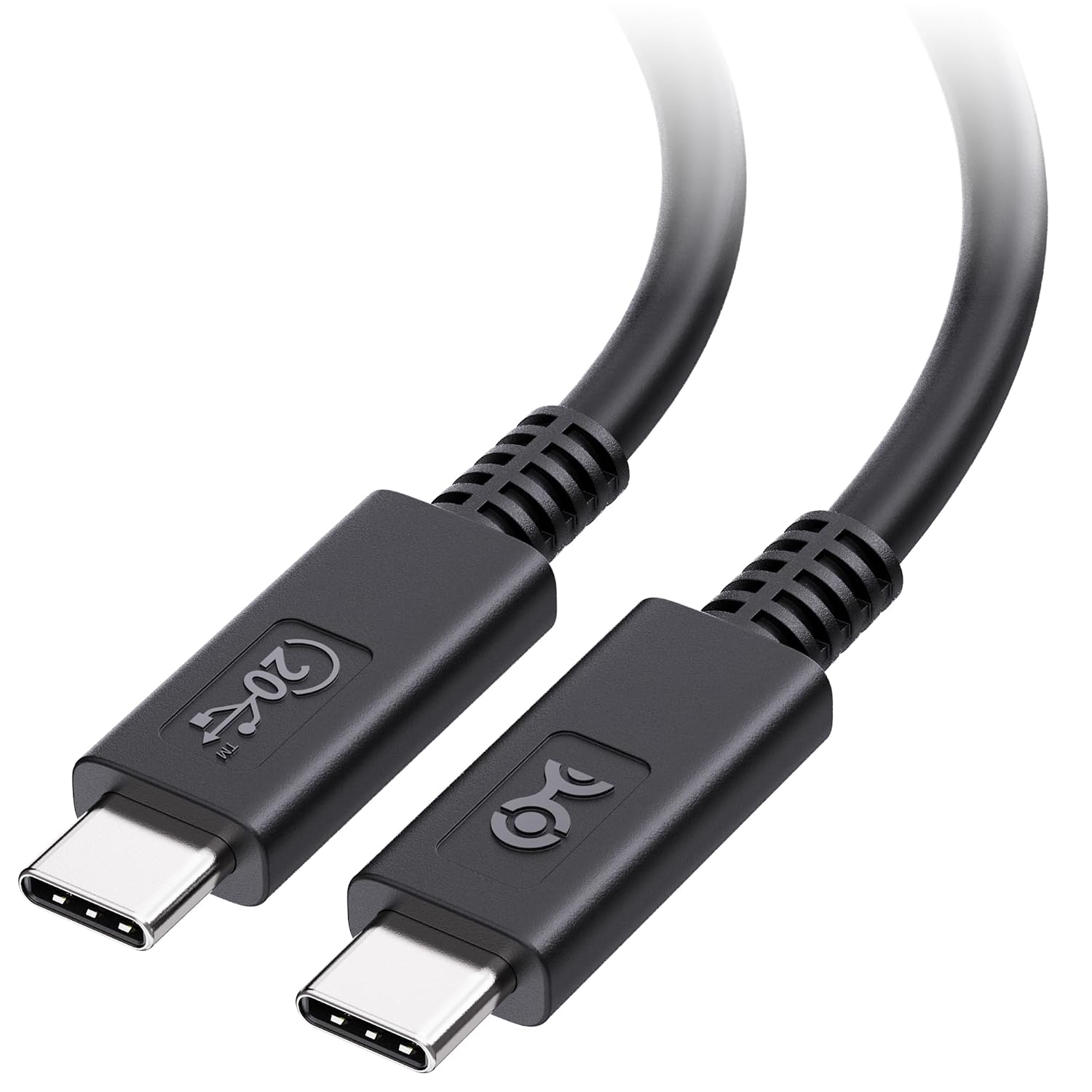
For a broader accessory check, our USB-C charging and data cable guide explains why a connector or wattage label does not describe every cable capability.
Sources & image credits
Apple
Image: Apple / Official product image. USB-C model, not Pencil Pro.
- Apple: identify your iPadChecked
- Apple: current compatibilityChecked
- Apple: feature comparisonChecked
- Apple: USB-C Pencil design and chargingChecked
- Apple: Pencil Pro designChecked
- Procreate Dreams: Pencil Pro controlsChecked
- Apple: adapter descriptionChecked