

Xbox Wireless Controller vs. DualSense for PC: Choose for the Games You Play
Comparing native Windows XInput compatibility, Steam Input remapping, and the reality of DualSense adaptive triggers and haptic feedback across PC game releases.

Maintained by FindsRadar Editorial Team
Native XInput
100% Out-of-Box
Every Windows game recognizes Xbox layout natively without third-party wrapper software
Advanced Haptics
Wired USB-C Only
DualSense requires wired connection for audio-based haptics in supported PC titles
Battery Architecture
AA Swap vs Lithium
Xbox 40h removable NiMH cells vs DualSense 6–10h non-removable built-in battery
Latency (Dongle)
~4.2 ms
Xbox Wireless Adapter 2.4GHz RF latency vs variable Bluetooth polling
The PC Gamepad Landscape: Windows Native Standards vs Console Features
For more than fifteen years, Microsoft's XInput API has served as the de facto standard for PC controller input. Virtually every modern PC game—from indie platformers to AAA shooters—assumes an Xbox controller layout by default, immediately mapping the A/B/X/Y diamond, offset analog sticks, and impulse triggers without configuration.
However, Sony's PlayStation 5 DualSense controller has emerged as a compelling rival for PC players. Featuring sophisticated voice-coil haptic actuators and dynamic adaptive triggers that can simulate tension, trigger stops, and surface textures, the hardware offers sensory feedback that traditional rumble motors cannot replicate.
Yet choosing between the two controllers for PC is not purely a question of ergonomics; it is fundamentally about how Windows handles non-XInput devices, which games natively support Sony's advanced features, and how you prefer to connect.
Feature Breakdown: Xbox Wireless Controller vs DualSense on Windows PC
| Feature / Metric | Xbox Wireless Controller | Sony DualSense (PS5) |
|---|---|---|
| Default Windows API | XInput (Universal native support) | DirectInput / RawInput (Requires Steam Input for legacy games) |
| In-Game UI Prompts | Xbox prompts (A, B, X, Y) in 99% of titles | PlayStation prompts (Cross, Square) only in select ported titles |
| Adaptive Trigger Support | No (Standard linear analog triggers) | Yes, but strictly in ~70 PC games via wired USB-C |
| Audio-Based Haptics | No (Traditional eccentric weight motors) | Yes (Rich spatial vibrations via USB-C audio device channel) |
| Wireless PC Connection | Bluetooth or dedicated Xbox 2.4GHz Dongle | Standard Bluetooth only (Advanced haptics disabled over BT) |
| Battery Power Source | 2x AA Batteries (NiMH rechargeables supported) | Built-in 1,560 mAh Lithium-ion battery (Non-removable) |
| Typical Battery Life | 30 to 40 hours per NiMH pair | 6 to 10 hours per charge (shorter with haptics enabled) |
| Thumbstick Layout | Asymmetrical (Left stick offset high) | Symmetrical (Both sticks aligned parallel low) |
The Crucial Connectivity Catch: USB-C vs Bluetooth
The single biggest point of confusion for PC players buying a DualSense controller is wireless feature parity. Over a standard Bluetooth connection, Windows handles the DualSense as a basic DirectInput game controller.
Because Sony's rich haptic feedback operates via a dual-channel 48kHz audio stream sent through the controller's internal DAC, wireless Bluetooth lacks the bandwidth and audio pipe to trigger tactile feedback. As a result, in games like Cyberpunk 2077, Returnal, or Spider-Man Remastered on PC, you must connect the DualSense via a USB-C data cable to experience adaptive triggers and haptic feedback.
By contrast, an Xbox Wireless Controller functions identically whether connected over USB-C, Bluetooth, or the official Xbox Wireless Adapter, delivering standard rumble and prompt consistency in every scenario.
Final Assessment & Recommendation
If you prioritize plug-and-play simplicity, native prompt accuracy in non-Steam launchers (Game Pass, Epic, GOG), and 30+ hour battery life via rechargeable AAs, the Xbox Wireless Controller remains the gold standard for PC. If you primarily play Sony PlayStation PC ports on Steam and don't mind playing tethered via USB-C to experience next-generation haptics, the DualSense offers an unmatched sensory upgrade.
What We Liked
- 100% native out-of-the-box compatibility across all Windows PC games and Game Pass
- Xbox Wireless Adapter delivers ultra-low ~4ms input latency without Bluetooth dropouts
- Hot-swappable AA battery system eliminates controller obsolescence when battery degrades
Things to Consider
- Lacks the cutting-edge voice-coil haptics and adaptive trigger resistance of DualSense
- D-pad click mechanism is louder than the cushioned DualSense membrane
Frequently Asked Questions
Editorial answers to common questions. Check the cited sources, applicable region and publication date before relying on product or policy details.
Sources & image credits
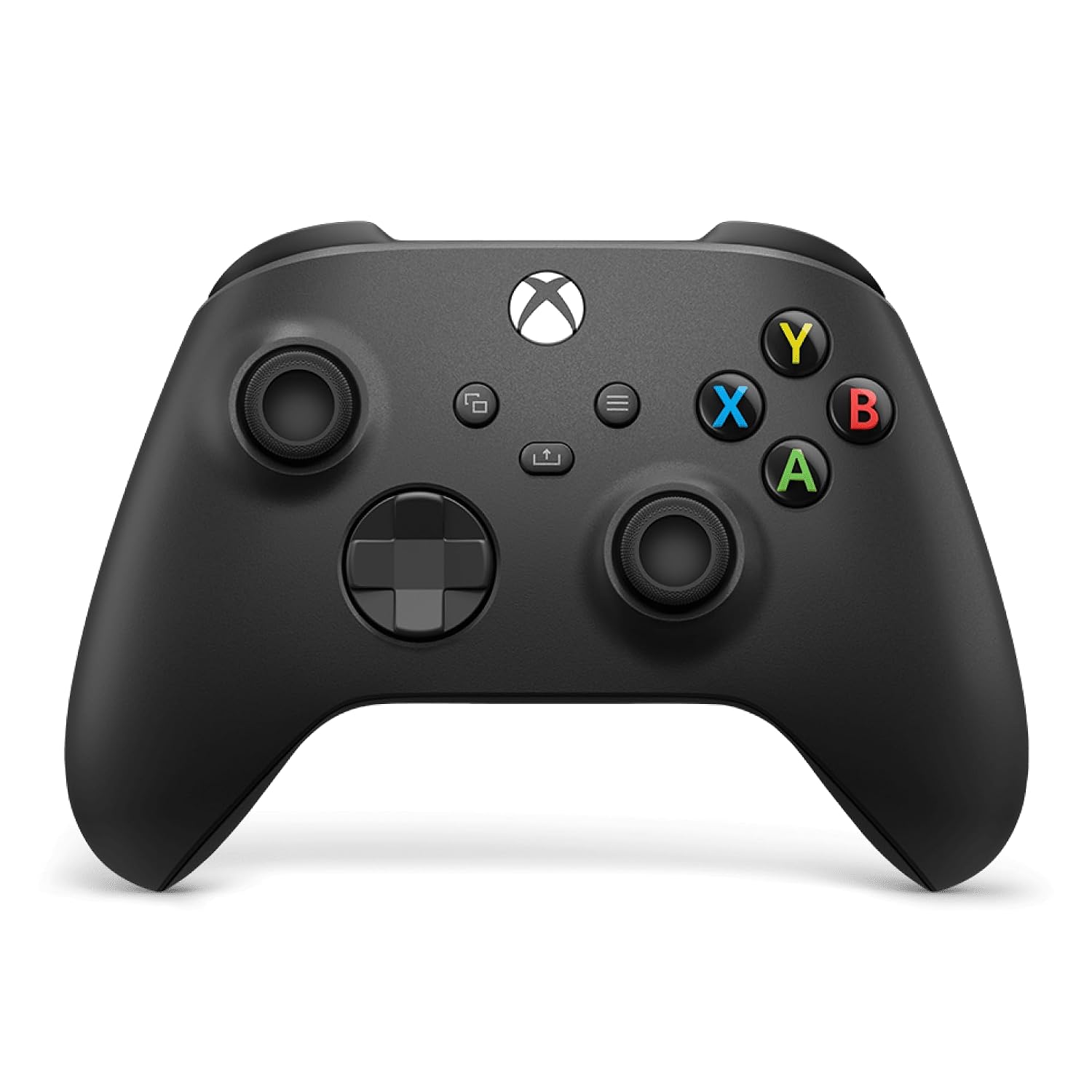
Product image from Amazon.com: Xbox Wireless Controller in Carbon Black, showing the Xbox side of this comparison.
Image: Amazon.com product listing / Xbox Wireless Controller — Carbon Black — source listing image. Owner-asserted permission to use Amazon product images, 31 October 2026. The image does not show a DualSense controller. It is source product imagery, not FindsRadar photography or a compatibility test. No price, stock, India availability, retail offer, hands-on testing or newly verified article-body claims are inferred.
Related Stories & Reviews
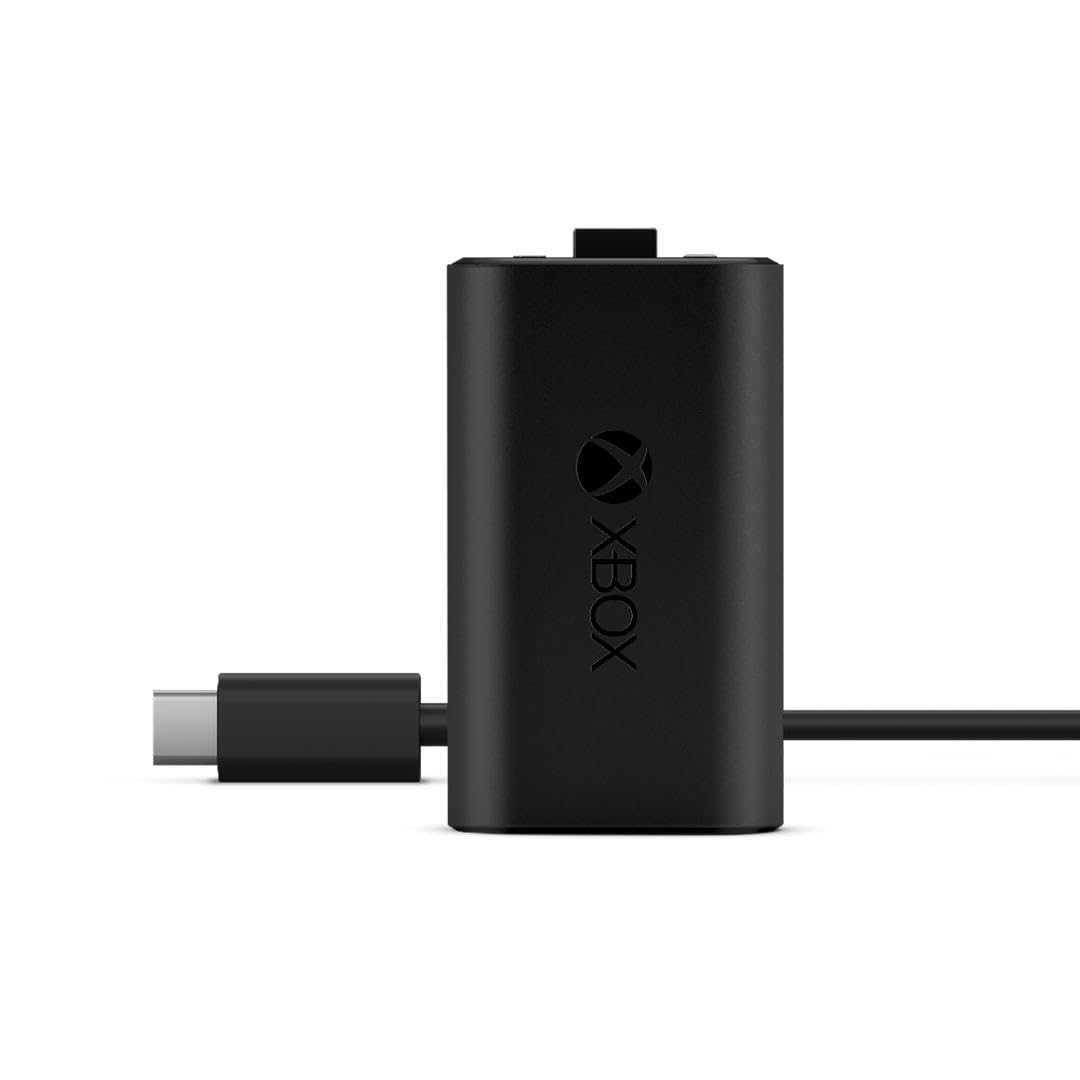
Xbox Rechargeable Battery Pack vs. Rechargeable AAs: Which Setup Fits You?
Source product image, not FindsRadar photography or a battery-life test. The source frame does not show the entire cable.
7 min read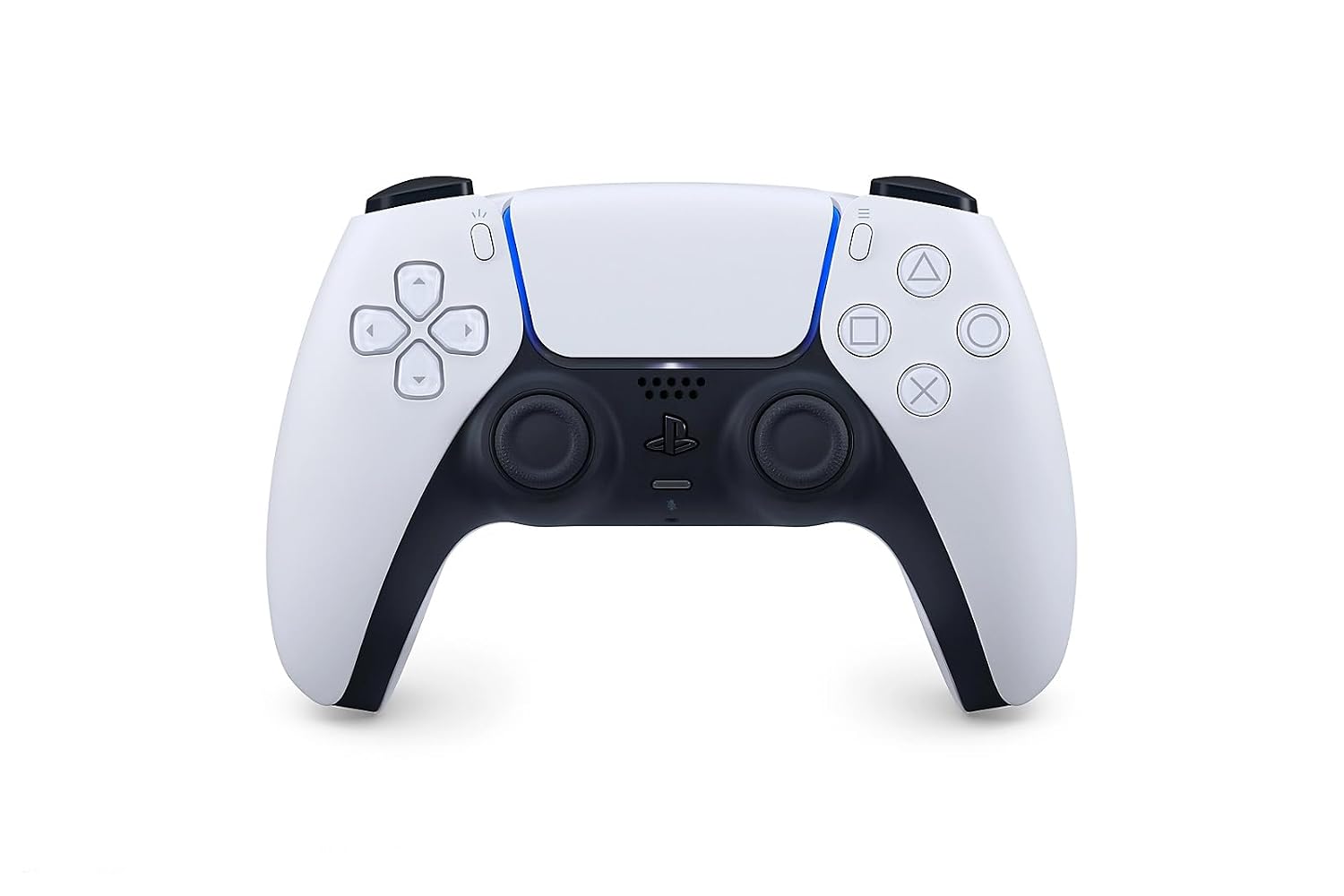
DualSense on PC: USB-C vs. Bluetooth — Which Features Actually Work?
Source product image, not FindsRadar photography or a test of USB, Bluetooth or game-specific haptic support.
8 min read