

PS5 Internal M.2 SSD vs. External USB Drive: Which Games Can You Actually Play?
The cold-storage vs. direct-play reality: why USB external drives can only store PS5 games, and why you need a PCIe 4.0 M.2 NVMe with heatsink for seamless 5,500MB/s gameplay.

Maintained by FindsRadar Editorial Team
PS5 Game Playback
Internal Only
PS5 titles cannot be launched directly from external USB drives
M.2 Speed Floor
5,500 MB/s
Sony recommended minimum read speed for internal M.2 NVMe expansion
PS4 Game Playback
Full USB Direct
PS4 legacy titles play directly from external USB hard drives or SSDs
Heatsink Mandate
Mandatory
Internal expansion bay requires dedicated aluminum heatsink for thermal safety
The PlayStation 5 Storage Architecture: Direct Play vs Cold Storage
Modern triple-A PlayStation 5 games routinely demand 80GB to 150GB of storage space. With Call of Duty, NBA 2K, and Horizon Forbidden West installed, the console's internal 825GB (667GB usable) or 1TB Slim (848GB usable) drive fills up in weeks.
When expanding storage, gamers often confuse external USB drives with internal M.2 NVMe SSDs. Purchasing the wrong type can leave you unable to play your newly downloaded PS5 games directly.
Sony's custom I/O controller requires uncompressed data transfer speeds of at least 5,500 MB/s. External USB 3.2 Gen 2 ports max out at roughly 1,050 MB/s—physically incapable of streaming high-speed texture assets in real-time.
Storage Decision Matrix: Internal M.2 NVMe SSD vs External USB Storage
| Attribute / Function | Internal M.2 NVMe SSD (e.g. WD SN850X) | External USB SSD / HDD (e.g. Samsung T7) |
|---|---|---|
| Play Native PS5 Games? | YES — Identical to internal console storage | NO — Storage only (cannot launch PS5 games) |
| Play PS4 Legacy Games? | YES — Fastest loading times | YES — Plays directly, saving internal space |
| Interface & Protocol | PCIe Gen4 x4 NVMe (Internal M.2 Bay) | USB 3.2 Gen 2 Type-A / Type-C (Rear Ports) |
| Maximum Read Speed | 5,500 to 7,300 MB/s | 100 to 1,050 MB/s (bottlenecked by USB) |
| Installation Complexity | Requires popping faceplate & 1 screwdriver | Plug-and-play into rear USB-A port |
| Thermal Requirements | Must have fitted aluminum heatsink | Self-contained passive aluminum enclosure |
| Typical Cost (2TB) | ₹14,000–₹18,000 / $130–$160 | ₹11,000–₹14,000 / $90–$120 |
Cold Storage Workflow: How to Use Both Types to Save Money
If an internal 2TB or 4TB M.2 SSD exceeds your current budget, a high-value strategy is pairing a smaller internal SSD with an inexpensive external USB drive for 'cold storage'.
You can copy finished PS5 games from the internal drive to the USB drive in 3 to 5 minutes, freeing up internal space. When you want to play again, copying back to the internal drive takes just a few minutes—much faster than re-downloading 100GB over home broadband.
All PS4 games should be permanently stored on the external USB drive, preserving your internal SSD exclusively for PS5 games that require the 5,500 MB/s architecture.
Final Assessment & Recommendation
If you want to install and immediately play modern PS5 games without juggling file transfers, an internal PCIe 4.0 M.2 SSD with an integrated heatsink is the only viable solution. External USB drives remain ideal as cheap cold storage or for running your PS4 backlog.
What We Liked
- M.2 expansion integrates seamlessly with zero cables or external clutter
- Plays PS5 and PS4 games at maximum native speed with instant load times
- Transfer speeds over 6x faster than the fastest external USB portable drive
Things to Consider
- Requires opening the console casing and installing with a screwdriver
- Must verify heatsink dimensions (maximum 11.25mm total thickness)
Frequently Asked Questions
Editorial answers to common questions. Check the cited sources, applicable region and publication date before relying on product or policy details.
Sources & image credits
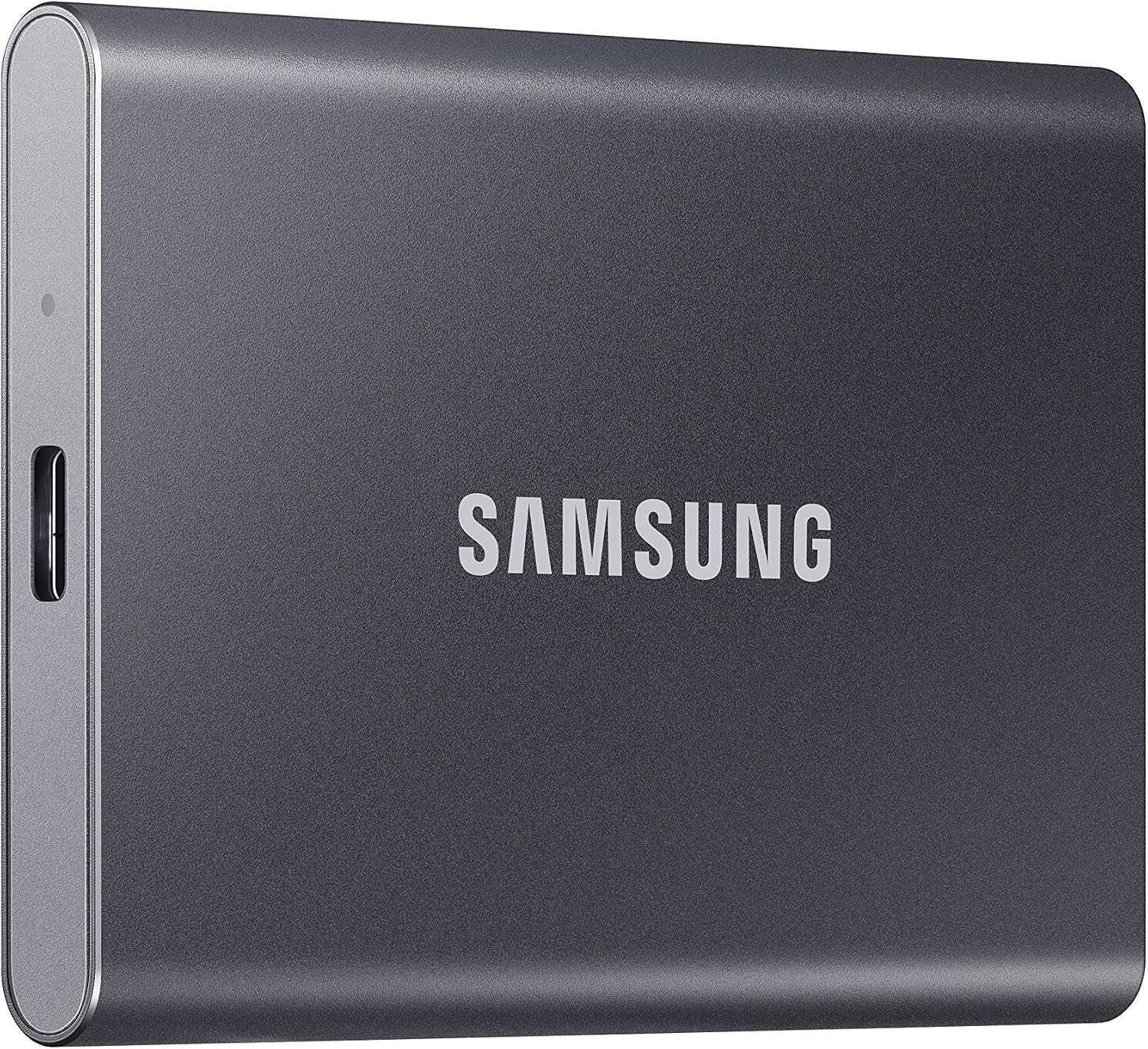
Product image from Amazon.com: Samsung T7 1TB in Titan Gray, an external USB SSD example—not an internal M.2 drive.
Image: Amazon.com product listing / Samsung T7 1TB Titan Gray (MU-PC1T0T/AM) — source listing image. Owner-asserted permission to use Amazon product images, 31 October 2026. Source product image, not FindsRadar testing or evidence of direct PS5-game playback from an external drive. No price, stock, India availability, retail offer, hands-on testing or newly verified article-body claims are inferred.
Related Stories & Reviews
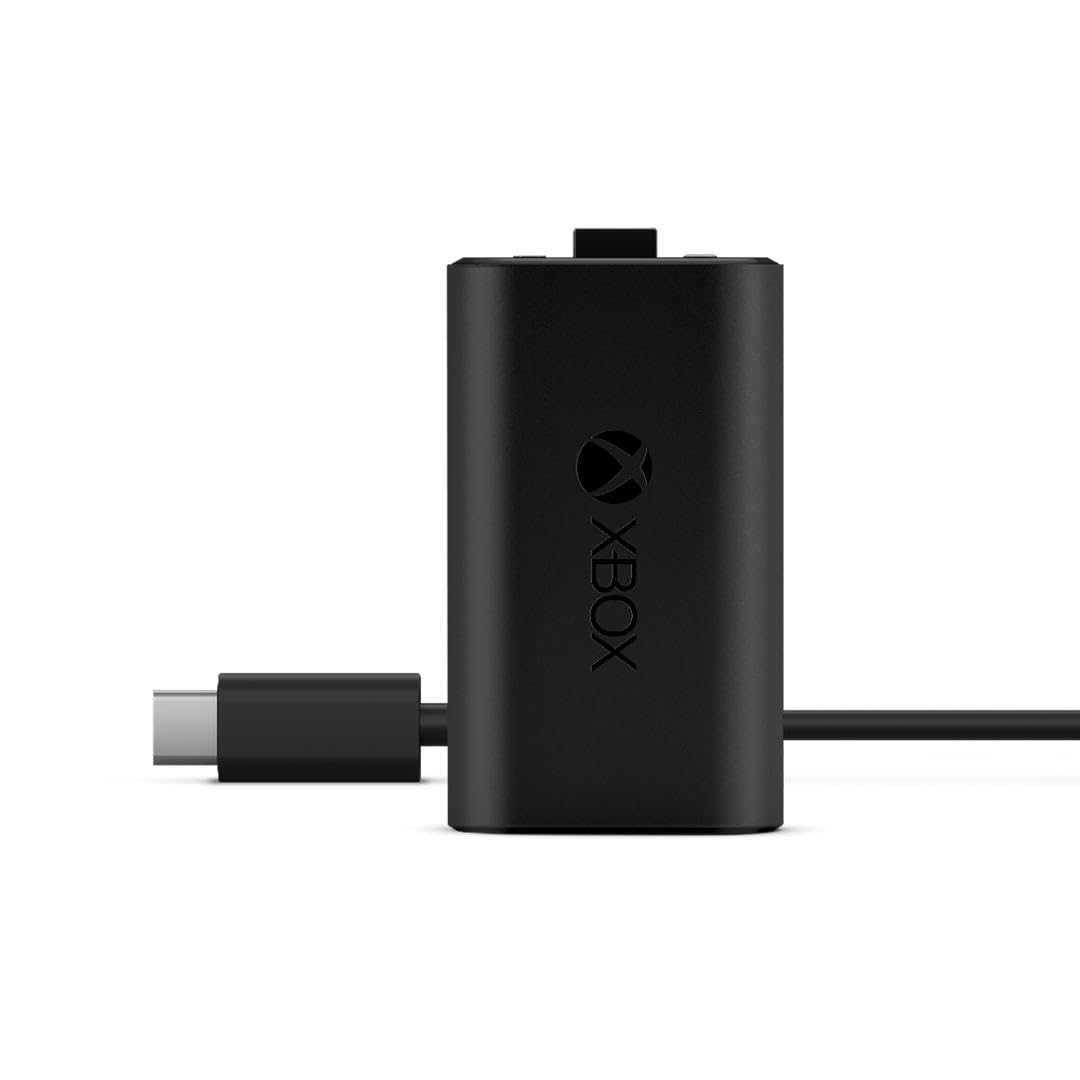
Xbox Rechargeable Battery Pack vs. Rechargeable AAs: Which Setup Fits You?
Source product image, not FindsRadar photography or a battery-life test. The source frame does not show the entire cable.
7 min read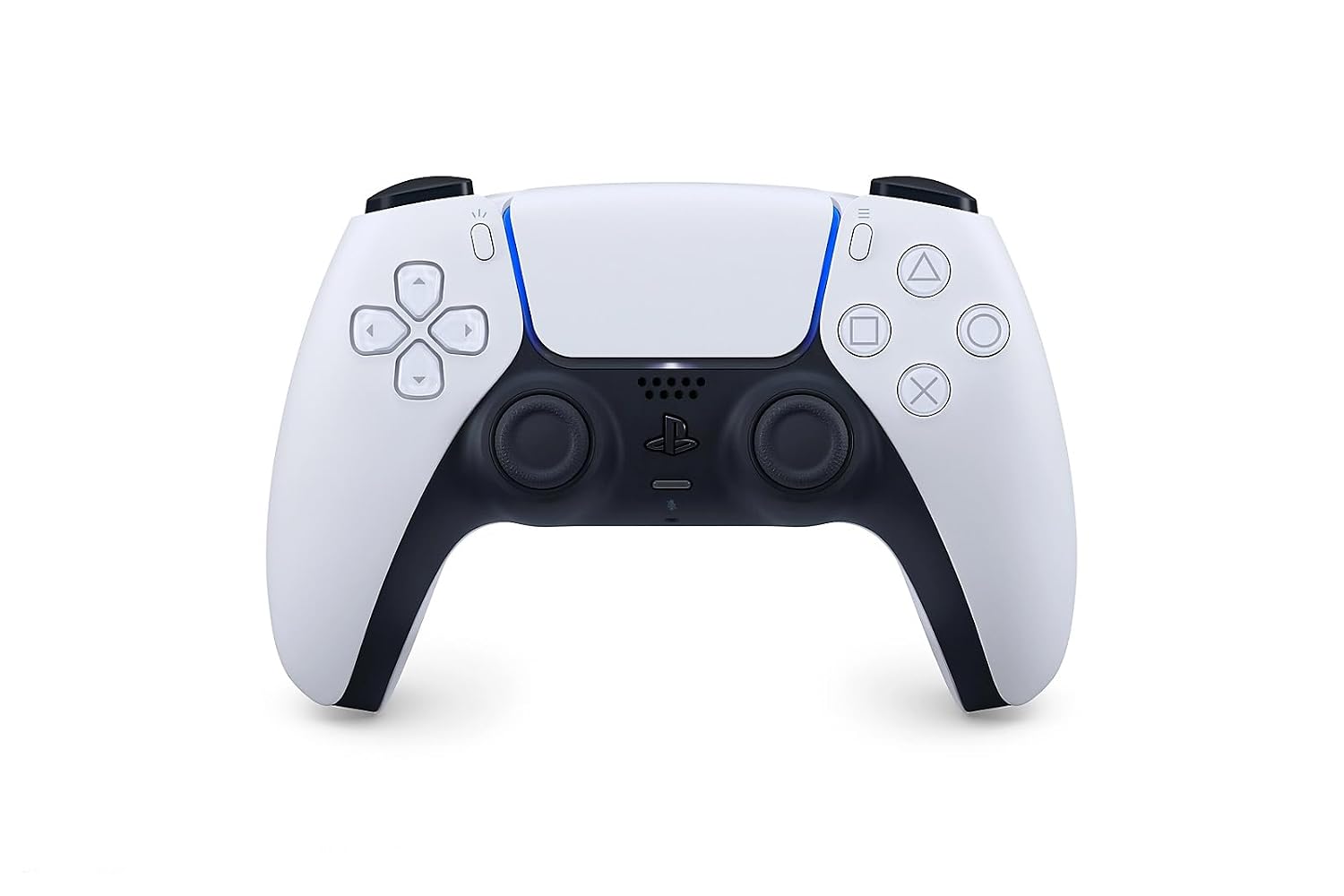
DualSense on PC: USB-C vs. Bluetooth — Which Features Actually Work?
Source product image, not FindsRadar photography or a test of USB, Bluetooth or game-specific haptic support.
8 min read