

AULA F75 Buying Notes: Layout, Switch Variant and What to Check
Manufacturer-grounded model notes, not a hands-on sound or latency review.

Maintained by FindsRadar Editorial Team
Start with the layout and the variant
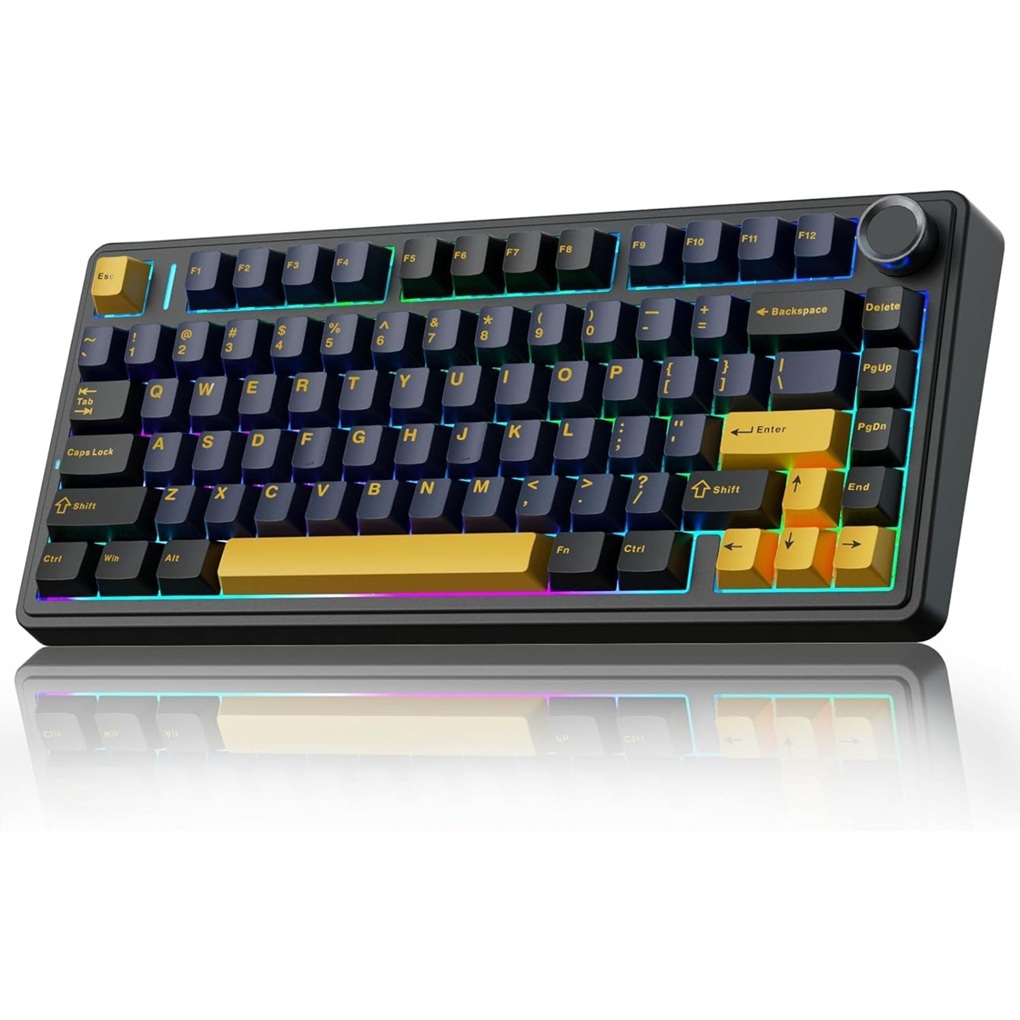
AULA identifies the F75 as a 75% keyboard with a knob and wired USB-C, Bluetooth and 2.4 GHz connection options. This compact layout omits a dedicated numeric keypad.
The manufacturer photo shows the Thunder Black Star-Vector (Seiya) version. Other colour and switch options exist; do not assume the picture establishes the option selected by a retailer.
Sound descriptions are not measurements
Typing sound depends on switches, keycaps, desk surface and how you type. Terms such as thock or creamy describe preferences, not a measured noise level or a promise that a microphone will not pick up typing.
We have not verified the previous lubricant-brand, internal material-stack, latency or fatigue claims. Before changing switches, consult documentation for your exact version and compatible replacement parts; do not rely on a universal compatibility claim.
Check connections and everyday use
Confirm the operating systems, shortcut layout and connection method you need against the exact product documentation. A list of connection modes is not a tested guarantee for every computer or tablet.
AULA lists a 4000 mAh battery. Capacity alone does not establish runtime; lighting, connection mode and use affect how often charging is needed. The pictured keycaps are not shine-through.
If you are also considering a glass mousepad
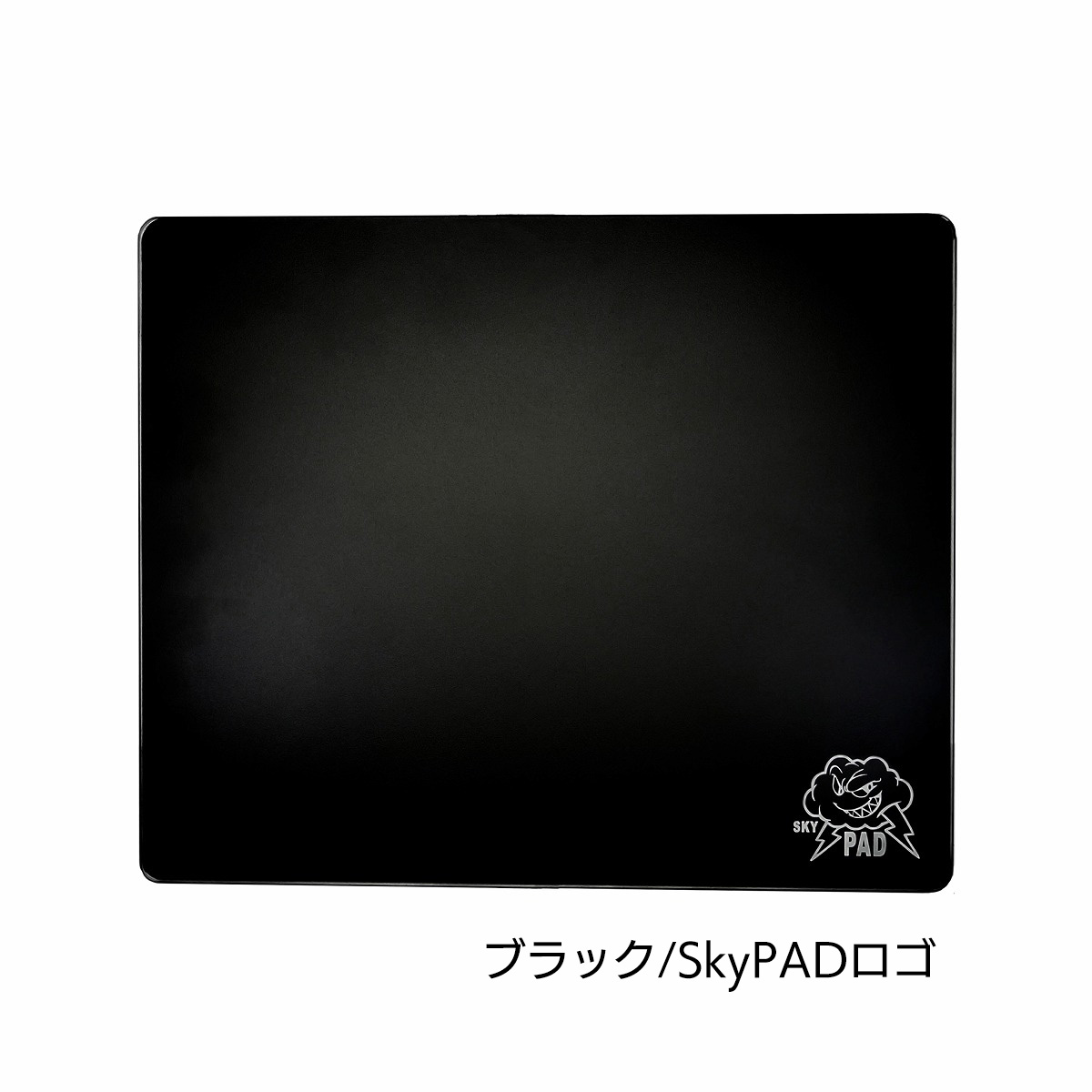
The SkyPAD 3.0 XL distributor lists a 500 × 400 × 3.7 mm glass pad with four corner rubber feet. The model photo on its catalog page is Black Cloud, not SP-004.
Check desk space, mouse sensor compatibility and skate guidance. Glass can break from impact. We do not claim frictionless tracking, improved aim or universal compatibility.
Final Assessment & Recommendation
Consider the F75 if a compact layout and its connection options suit your desk. Confirm the exact switches, colour and seller terms; no creator endorsement or measured typing-performance result is established.
What We Liked
Things to Consider
- No dedicated numeric keypad.
- Exact retailer variant, current offer and video match remain unverified.
Frequently Asked Questions
Editorial answers to common questions. Check the cited sources, applicable region and publication date before relying on product or policy details.
Products Referenced in This Story

DailyObjects Large Vegan Leather & Felt Desk Mat Blotter (85x45 cm)

Ant Esports MK700 V2 TKL Membrane Gaming Keyboard (Mercury White)
SkyPAD 3.0 XL Glass Gaming Mousepad
AULA F75 75% Wireless Mechanical Keyboard

Razer Basilisk V3 Ergonomic Wired Gaming Mouse with Chroma RGB
Sources & image credits
AULA India — F75 Thunder Black / Star-Vector (Seiya) model illustration; selected retailer variant unverified
Related Stories & Reviews
Car Tech Breakdown (2026): What Every Driver Actually Needs in Their Glove Box
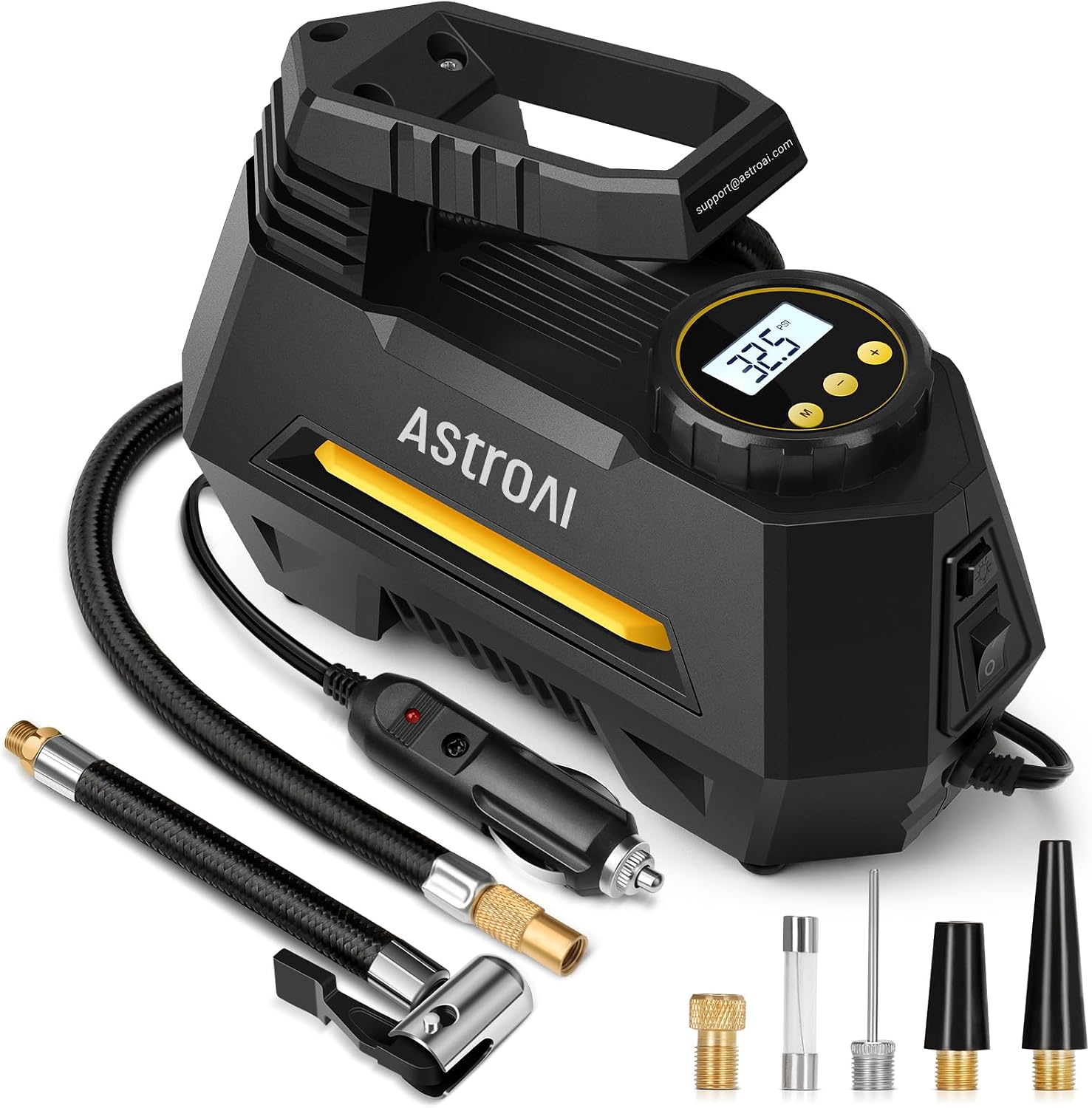
Illustrative AstroAI corded inflator · Not the named Lamicall cordless model
8 min read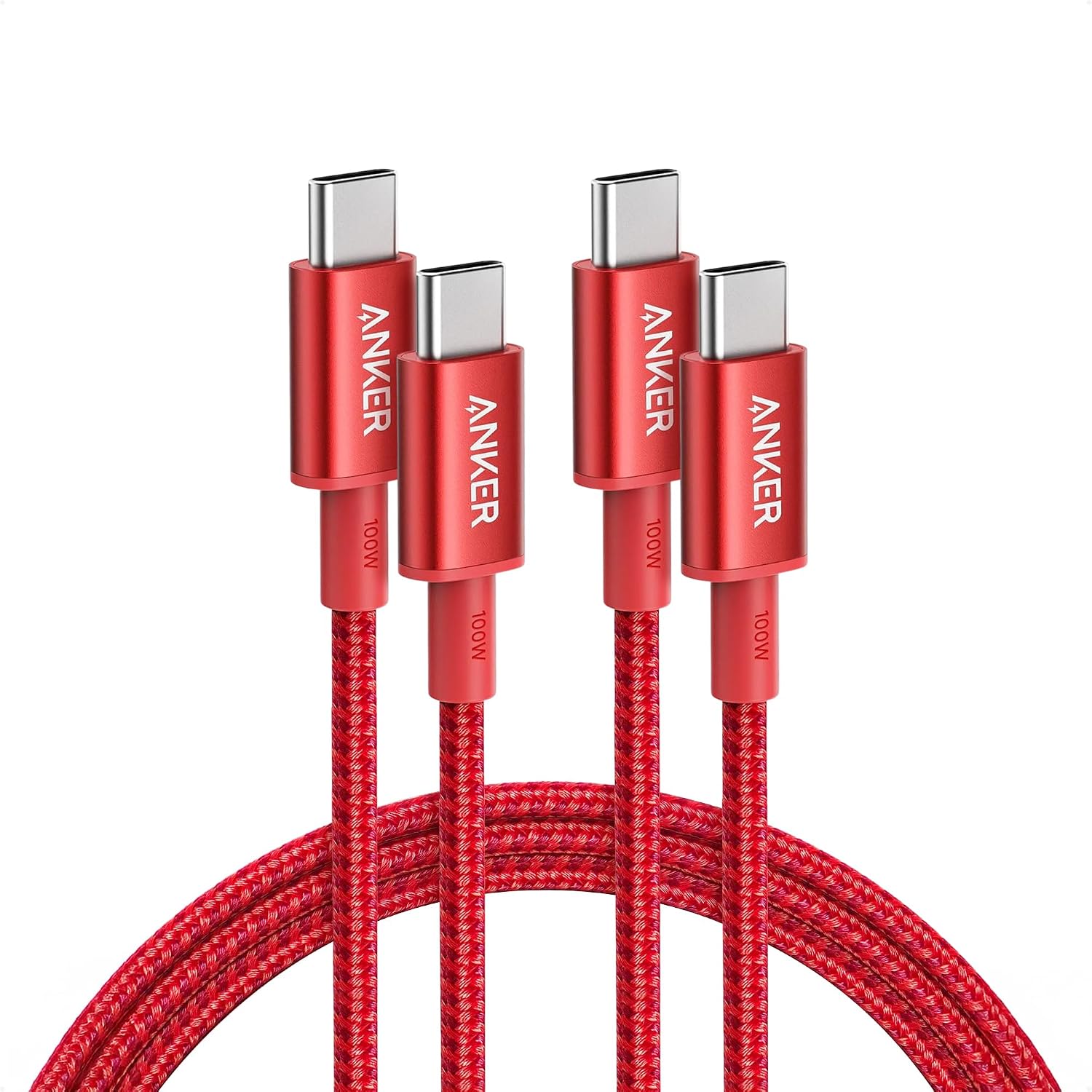
Why Cheap Charger Cables Kill Your Smartphone Battery: Testing 60W PD, GaN & Multi-Cables
Intact cable examples · Not damage or battery-failure evidence.
9 min read