

How to Choose a Keyboard and Mouse That Fit Your Desk
Compare device shape, hand orientation and desk clearance before choosing a keyboard or mouse. Comfort and fit are individual, not guaranteed by an ergonomic label.

Maintained by FindsRadar Editorial Team
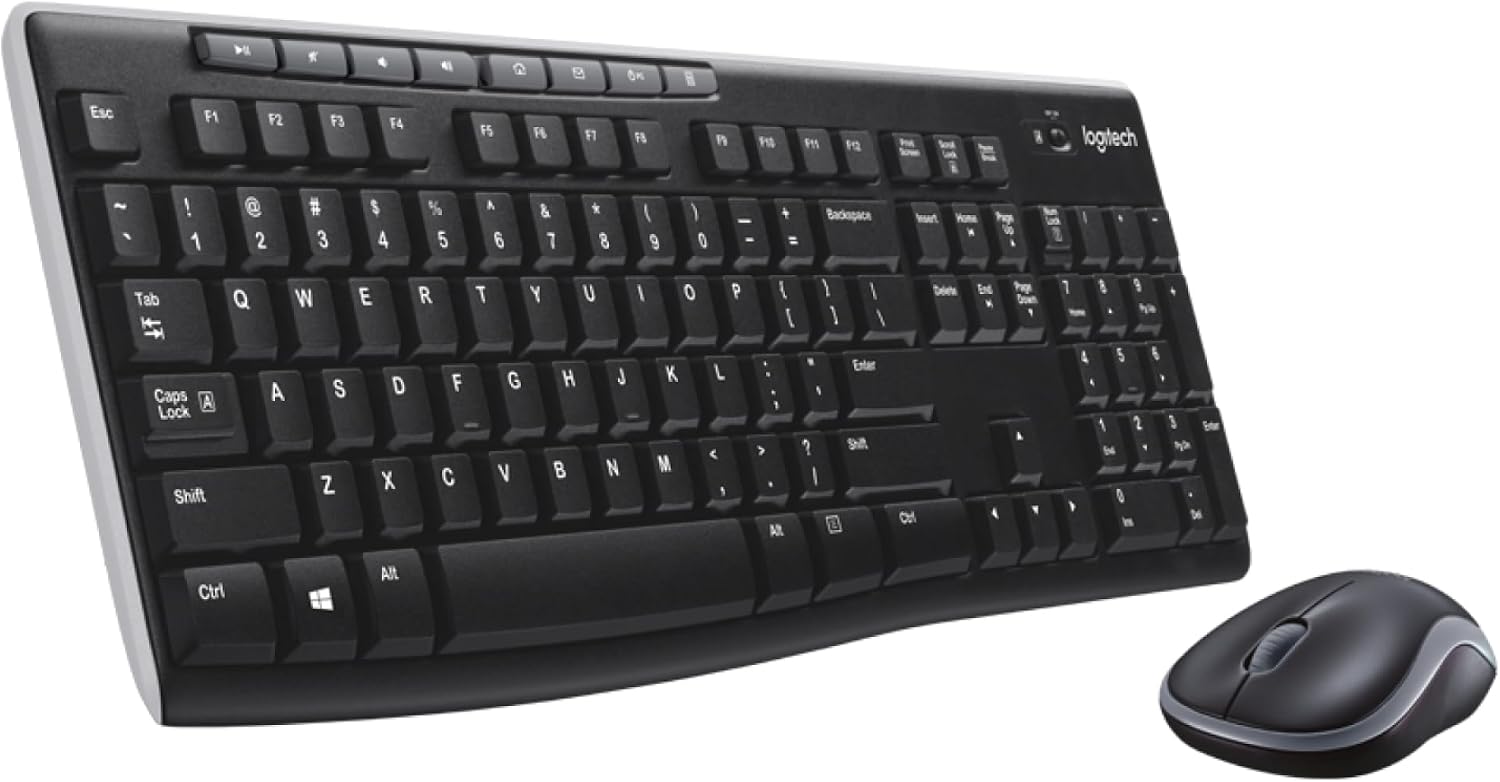
Start with the task and available space
List the functions you need: number entry, shortcut keys, scrolling or precise pointing. Measure the space available for the keyboard and mouse before choosing a larger layout.
A compact keyboard may free desk space, but losing a number pad is a trade-off if you frequently enter figures. Compare the exact dimensions rather than relying on a size label.
Compare shape and hand orientation
Vertical and conventional mice have different grip shapes. Try the actual device where possible; no grip style guarantees comfort for every person.
Logitech describes Lift as intended for small to medium hands and offers separate right- and left-handed options. That is manufacturer fit guidance, not a universal hand-length cutoff or evidence of medical benefit. Confirm the exact variant and your computer compatibility.
Check supports and return terms
A wrist-rest label alone does not establish whether its height or shape suits your keyboard. Compare the dimensions of a support with your setup before buying.
The previous generic mouse and wrist-rest recommendations have been withdrawn. This article is a selection checklist, not a hands-on comparison or treatment recommendation. Check retailer return terms if you cannot try a product first.
Final Assessment & Recommendation
Choose for the task, dimensions and hand orientation; an ergonomic label is not a guarantee of comfort or suitability.
What We Liked
- Compare actual dimensions with your workspace
- Check right- versus left-handed variants
Things to Consider
- Fit cannot be established from a product photograph alone
Frequently Asked Questions
Editorial answers to common questions. Check the cited sources, applicable region and publication date before relying on product or policy details.
Products Referenced in This Story

Ant Esports MK700 V2 TKL Membrane Gaming Keyboard (Mercury White)
Sources & image credits
Logitech MK270 (920-008813), shown as a keyboard-and-mouse setup example from the selected Black combo listing. Not a FindsRadar fit, ergonomic or typing test, or an India-layout/offer verification.
Image: Source product image via Amazon.com / Amazon US image source — MK270. Original source product imagery, unmodified and full frame. Owner-attested permission to reuse Amazon product images; not FindsRadar photography, testing or verification of a current offer.
Related Stories & Reviews
Planning a Small WFH Desk: Check Fit, Lighting and Current Prices
Baseus source example · Monitor/peripherals are props; no lighting or health test.
10 min read
Ergonomic Mouse Showdown: Razer Basilisk V3 vs Logitech MX Master 3S vs G502 Lightspeed
One comparison model · No ergonomic or gaming test.
11 min read