A Budget Work From Home Desk Setup for Small Indian Homes
Build an ergonomic, productive workspace in compact Indian apartments. Prioritise monitor height, compact keyboard placement, and cable discipline without unrealistic budget claims.

Maintained by FindsRadar Editorial Team
Desk Clearance
90cm – 120cm
Typical compact Indian home study table width
Screen Posture Rule
Eye Level at Top 1/3
Prevents chronic forward-head neck strain
Lighting Solution
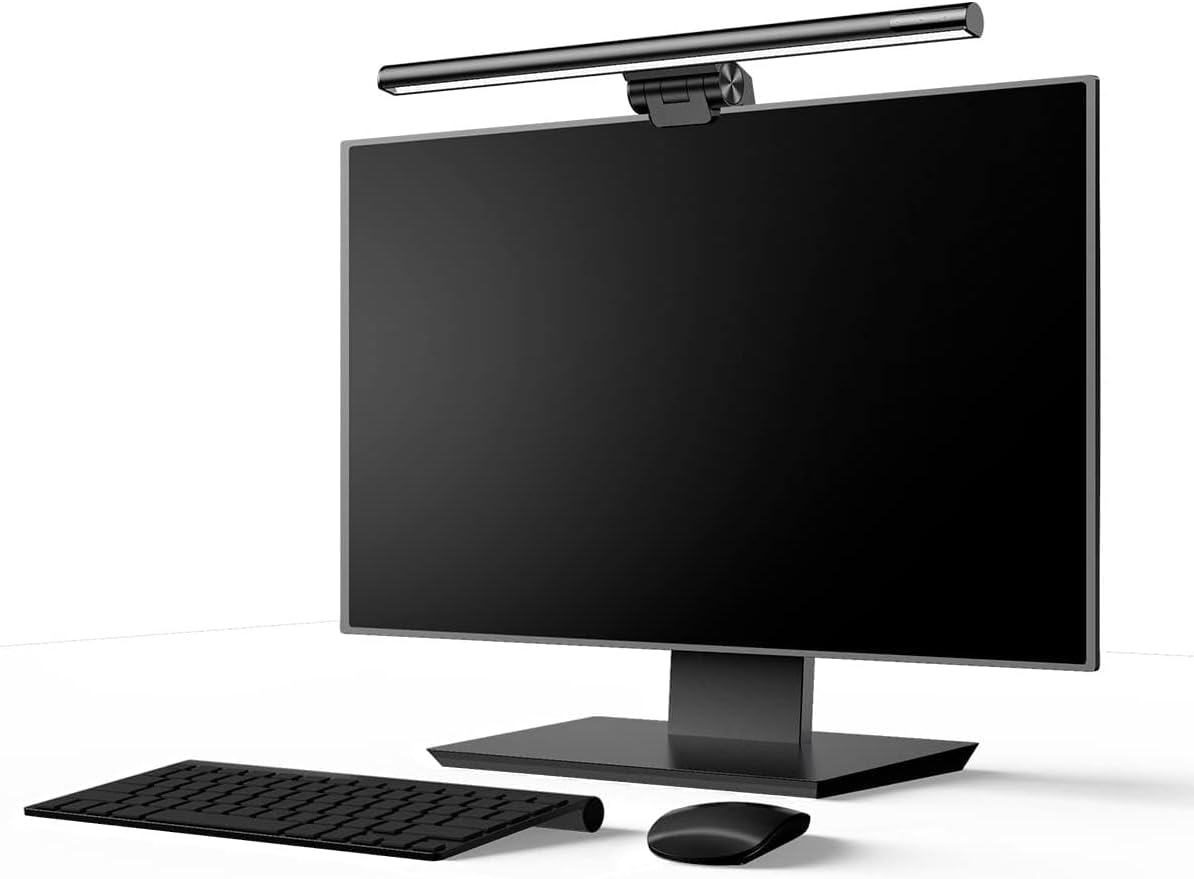
Screenbar Light
Zero-footprint monitor bar replaces bulky table lamps
Cable Principle
Floor Offload
Under-desk trays prevent tangled vacuum snags
Start with a Five-Minute Desk and Room Audit
A budget work-from-home setup starts with the physical constraints of the table you already own. In Indian urban apartments, desks often measure between 90cm and 120cm in width, frequently shared between work equipment, books, or dining duties.
Before buying ambient LED strips or expensive monitor arms, solve the one physical problem that hurts your productivity most: a hunched neck from a low laptop screen, zero mouse movement space, or power cables tangled around your feet.
Ergonomic Screen Elevation and Peripheral Placement
Raising your laptop display so the top third of the screen sits at eye level instantly prevents forward-head neck strain. However, once a laptop is raised on a stand, typing directly on its elevated keyboard causes severe wrist extension.
Always budget for an external keyboard and mouse alongside your stand. Choosing a compact tenkeyless board saves 10cm of lateral width, keeping your mouse arm positioned comfortably near your center torso.
| Upgrade Layer | Key Problem Solved | Recommended Gear Type | Space Impact |
|---|---|---|---|
| Screen Height | Hunching over low laptop screens on dining tables | Adjustable aluminum laptop riser or monitor arm | Raises display 15cm; frees tabletop area below |
| Typing & Navigation | Cramped laptop trackpad and hot keyboard deck | Compact keyboard + vertical ergonomic mouse | Keeps shoulders relaxed and mouse within easy reach |
| Task lighting | Check whether the desk needs additional illumination | Baseus i-Wok DGIWK-B01; verify fit | Monitor-top placement avoids a separate lamp base; reflection control depends on positioning |
| Cable Management | Tangled power bricks and charger snake pits on floor | Under-desk clamp-on cable basket + clip guides | Offloads all bricks and cords off the walking floor |
Staged WFH Desk Upgrade Priorities
Final Assessment & Recommendation
An effective home office setup is built in stages around your physical comfort bottlenecks, not bought as an expensive impulse bundle. Raise your screen to eye level, place your mouse comfortably beside a compact keyboard, and mount your cables under the desk to reclaim a clutter-free study.
What We Liked
- Eliminates neck strain and upper back fatigue during 8-hour workdays
- Fits comfortably onto standard 3-foot bedroom desks or shared dining tables
- Easy to pack down when living in rented flats
Things to Consider
- Laptops raised on risers require a separate external keyboard and mouse
Frequently Asked Questions
Editorial answers to common questions. Check the cited sources, applicable region and publication date before relying on product or policy details.
Products Referenced in This Story
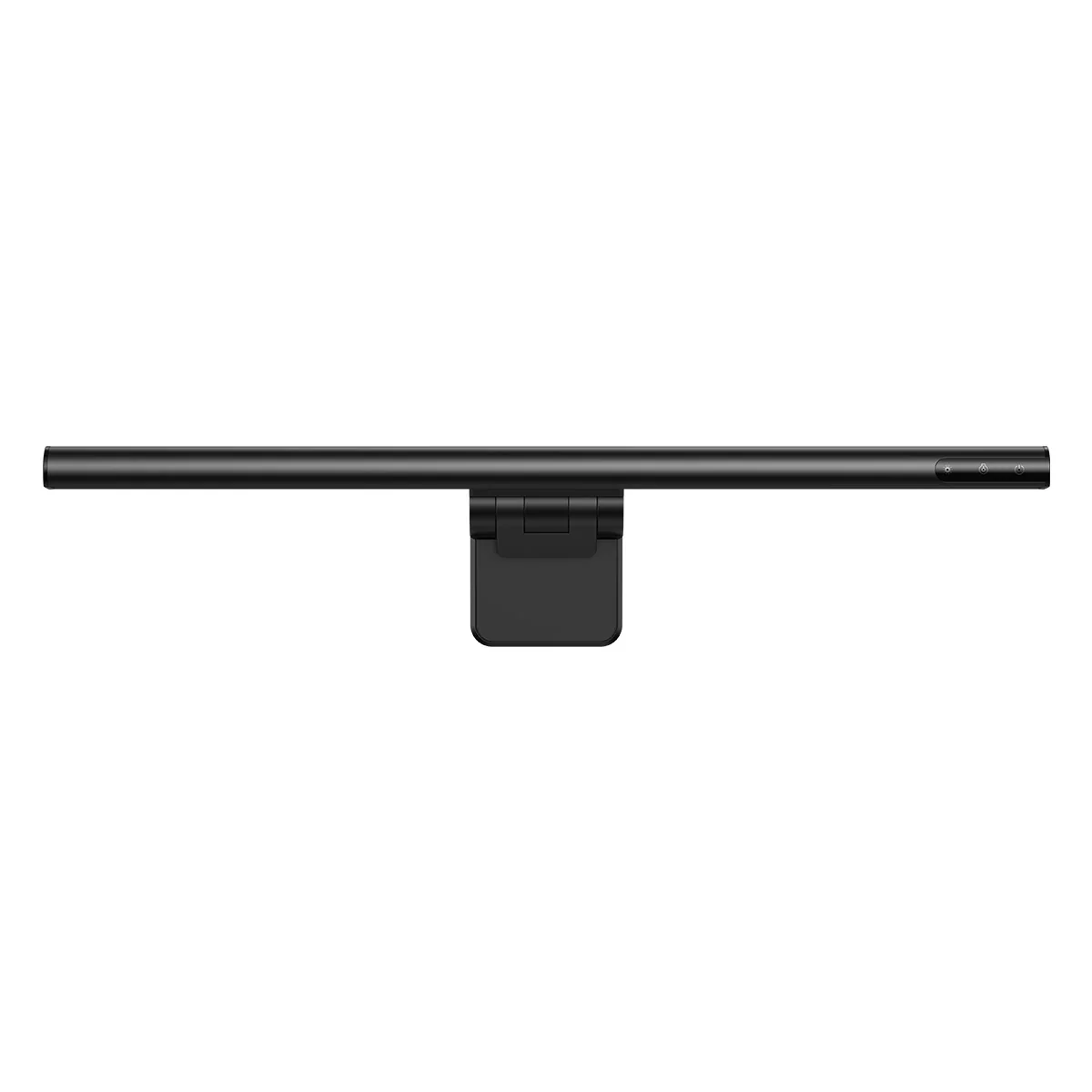
Baseus i-Wok DGIWK-B01 Monitor Light Bar

DailyObjects Large Vegan Leather & Felt Desk Mat Blotter (85x45 cm)
Sources & image credits
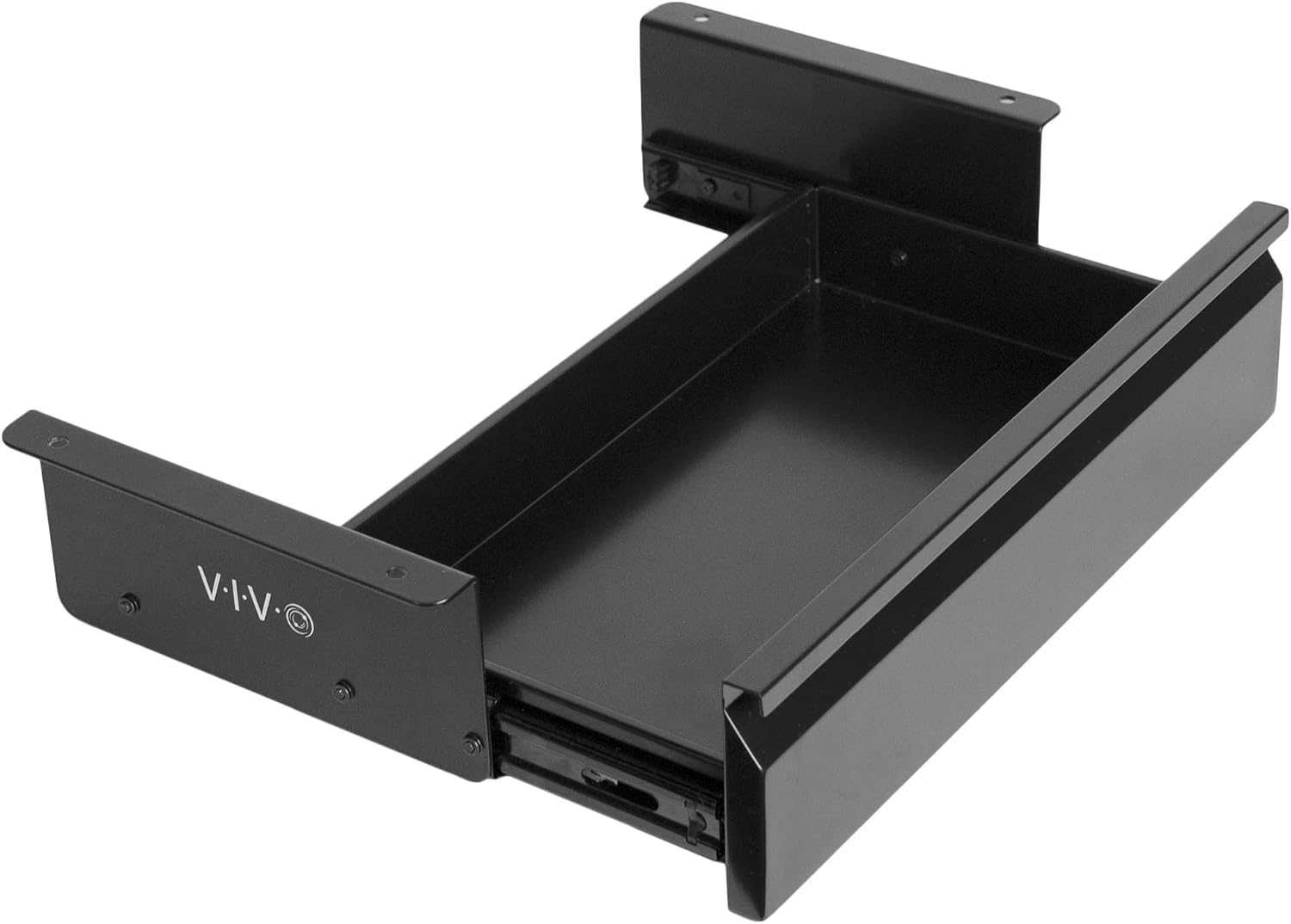
VIVO DESK-AC03A-B, selected Black 16-inch standard drawer; Amazon source product image, not a FindsRadar installation test. Mounting rails are visible; no desk compatibility, load rating, damage-free installation or budget claim is established.
Image: Source product image via Amazon.com / VIVO DESK-AC03A-B — Amazon.com image source. Unmodified original source imagery, full frame. Owner-attested Amazon-image reuse permission; not FindsRadar photography, testing or current-offer verification.