

Bluetooth headphones sound worse in Windows calls? Check the audio mode first
A practical check of microphone selection, Bluetooth Classic calling and whole-system LE Audio support—before you replace your headphones.

Maintained by FindsRadar Editorial Team
Start with the symptom, not a shopping list
Music sounds clear, then a meeting or game chat opens and it becomes thin or narrow. A change in the audio connection can explain that pattern; it does not automatically mean your headphones are broken. Microsoft documents different audio capabilities during communications. This is a source-backed diagnostic checklist, not a FindsRadar hands-on test or a guaranteed repair.
Compare before, during and after a call
A repeatable change tied to communications is useful evidence, but it does not identify the negotiated codec, diagnose a hardware fault or prove a network problem.
- Play a familiar track at a comfortable volume with voice-chat apps closed. Note which headphone output is selected.
- Open Settings → System → Sound → Input. Select the microphone you intend to use, open its properties and run the microphone test. Listen to your recorded sample.
- Compare playback before, during and after microphone use, then repeat in the app that causes the problem. Change one setting at a time.
- If you already have another usable microphone, try selecting it in the calling app. Treat this as an experiment—not a reason to buy a USB microphone.
Why changing the microphone may not fix it
Bluetooth Classic uses A2DP for stereo playback and HFP for two-way voice. HFP carries microphone input and playback in mono. Premium pricing, noise cancellation and a Bluetooth version number do not remove that distinction.
On Windows 11, opening the headset microphone or creating a communications-category playback stream can trigger HFP. Another microphone may therefore leave a reason for the switch. Windows 11 also uses unified endpoints; do not assume an older tutorial’s separate “Stereo” device entry must appear.
LE Audio needs support across the whole setup
LE Audio requires compatible headphones and a compatible Windows device, audio hardware and manufacturer drivers. Advertising “Bluetooth LE” alone does not establish LE Audio support. Under Settings → Bluetooth & devices → Devices, look for “Use LE Audio when available.” If absent, the current configuration does not support it.
Stereo playback while using the microphone is a further capability. Microsoft lists Windows 11 24H2 or newer, build 26100.4484 or newer, suitable integrated hardware, manufacturer drivers and an LE Audio accessory. These are feature requirements, not advice to install an old Windows release; use a supported release.
On a compatible connection, check System → Sound → the output device → Format → “Format when microphone is active.” A missing control is not evidence that stereo calling is available.
Sony WH-1000XM5: a documentation example
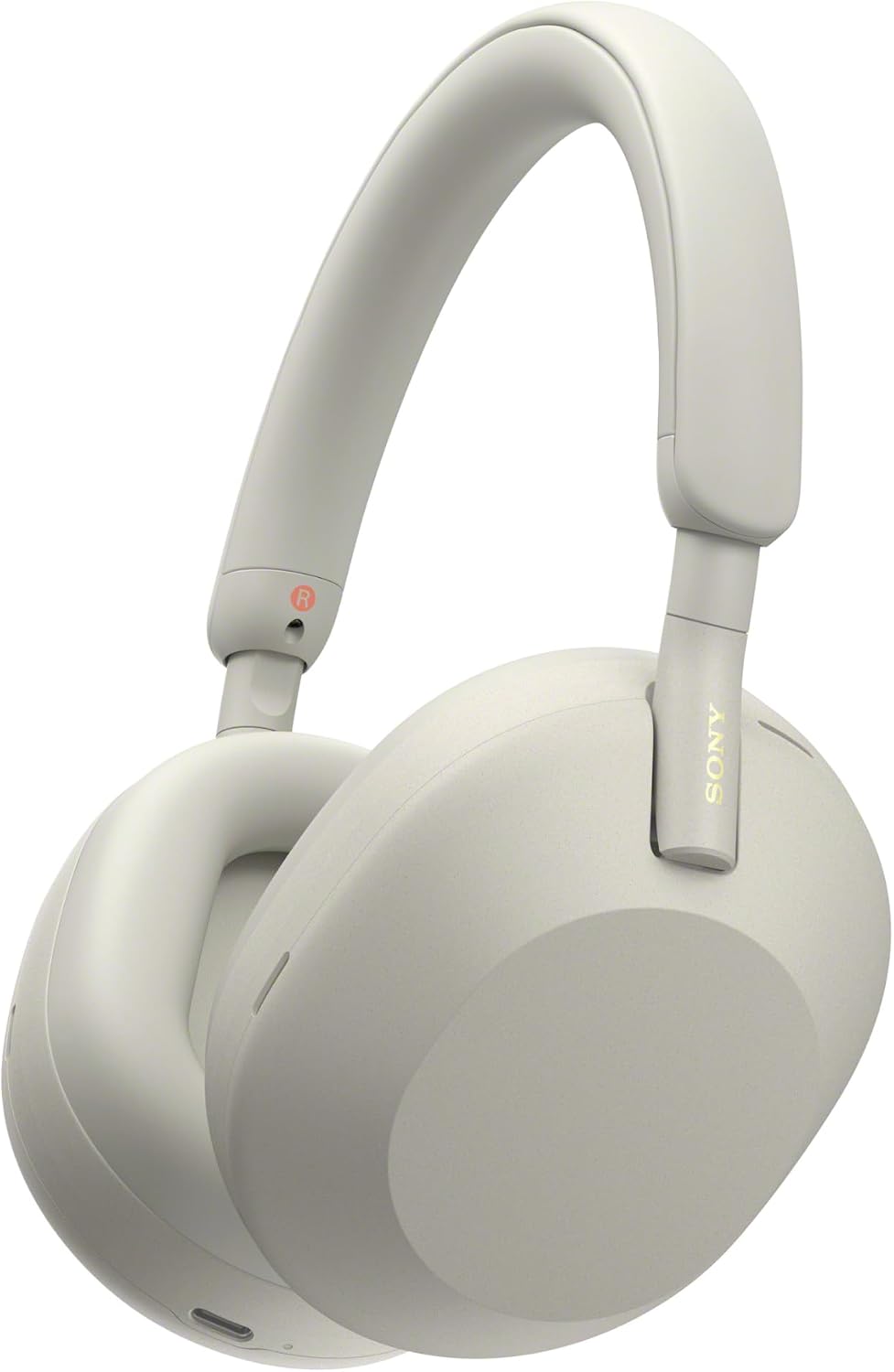
The pictured silver WH-1000XM5 illustrates a specific model—not a recommendation or proof of LE Audio stereo-call compatibility. Sony’s computer-call instructions use HFP/HSP for microphone and call audio. Names vary by app and computer; sometimes only the model name appears.
Audio pausing when you speak is different from reduced fidelity. Check Speak-to-Chat and microphone configuration rather than assuming every interruption is a profile change.
Do not assume a cable solves the microphone path
- For this WH-1000XM5, Sony says charging turns the headset off and playback is unavailable while connected for charging. USB-C charging is not a documented USB-headset workaround.
- The supplied analogue cable supports listening, but its instructions disable Bluetooth and tell phone callers to use the phone’s microphone. Verify a working input separately; do not generalize this model’s limitations to all headphones.
Keep a useful record
Before changing hardware, record the PC model, Windows release/build, headphones, calling app, selected input/output and when the sound changes. If stereo calls matter, verify that exact scenario for the whole setup—not just a Bluetooth logo.
Sources & image credits
Sony WH-1000XM5 in Silver, shown as a documentation example—not a FindsRadar call-quality test or proof of LE Audio compatibility. Product image from the identified Amazon.com listing.
Image: Product image supplied on Amazon.com / Sony WH-1000XM5/S, Silver — Amazon.com product image. Unaltered original product image. Sony WH-1000XM5 is a documentation example, not FindsRadar photography, call-quality testing or proof of LE Audio compatibility.
- Microsoft: communications audio formatsChecked
- Microsoft: Bluetooth Classic audioChecked
- Microsoft: LE Audio quality settingsChecked
- Microsoft: check LE Audio supportChecked
- Sony WH-1000XM5: computer video callsChecked
- Microsoft: microphone troubleshootingChecked
- Sony WH-1000XM5: chargingChecked
- Sony WH-1000XM5: supplied headphone cableChecked