The Minimalist Desk Setup: How to Hide Every Cable Under ₹1,500 ($30)
Say goodbye to the chaotic rat’s nest of cords. Here is the step-by-step blueprint to achieve a sleek, distraction-free workstation with zero drilling.
A cluttered desk creates subconscious cognitive friction. When you sit down to focus, tangled power cords, dangling laptop chargers, and monitor cables compete for your attention.
Most people delay fixing their desk cables because they fear drilling permanent holes into expensive standing desks or MDF table tops. But in 2026, heavy-duty clamp-on raceways and anti-glare light bars have made clean workstations achievable in under 15 minutes for less than ₹1,500 in India or $30 in the US.
Step 1: Get Power Strips Off the Floor Permanently
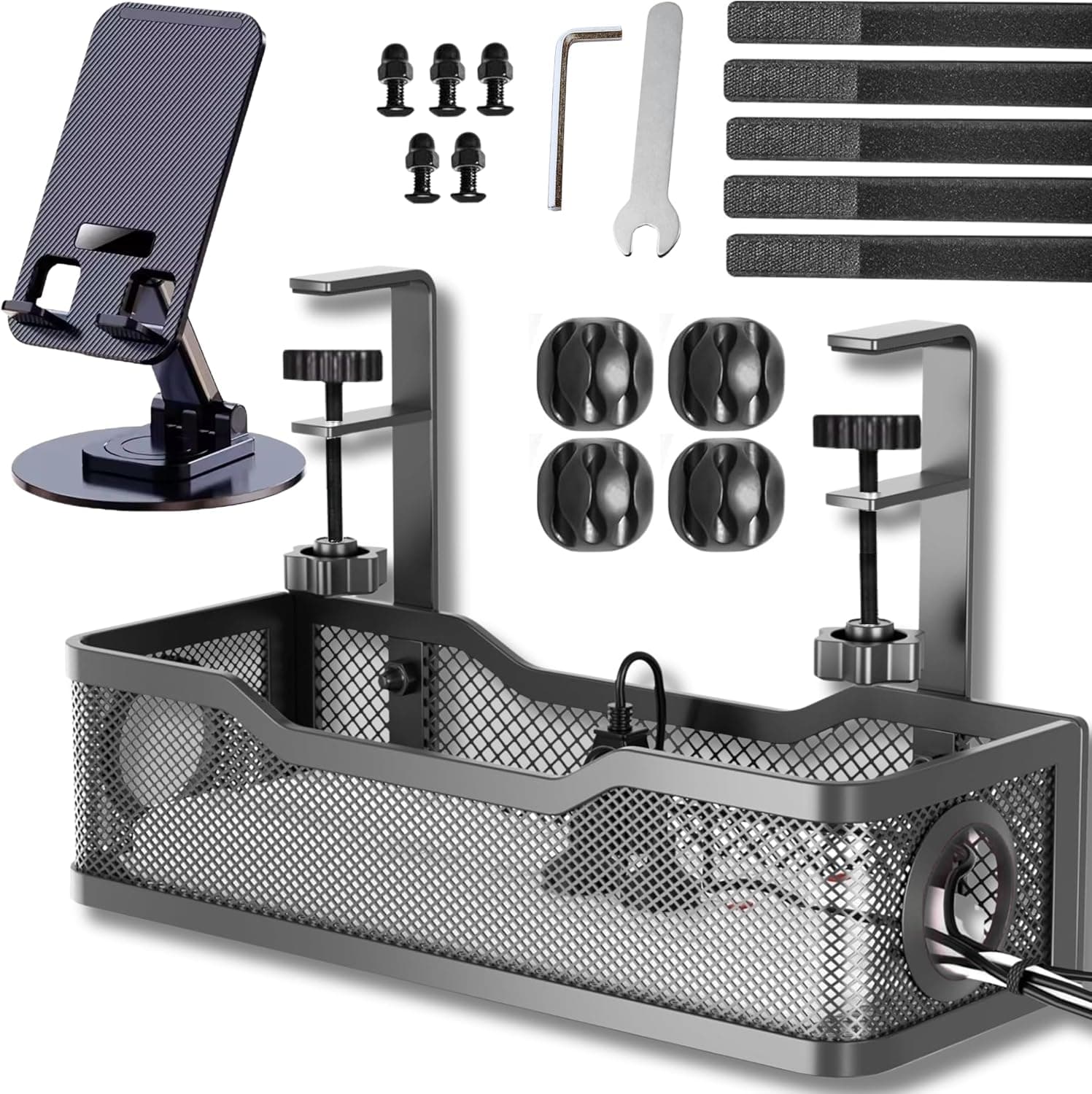
The fundamental rule of cable management is simple: nothing rests on the carpet or floorboards. When power bricks sit on the floor, they collect dust, get kicked accidentally, and look unsightly.
Instead of adhesive tape that inevitably loses stickiness during summer heat, use a heavy-duty clamp-on steel wire raceway. Clamp it directly onto the back edge of your desk. Place your entire 6-socket power surge strip inside the tray.
Step 2: Eliminate Overhead Light Glare with a Monitor Bar
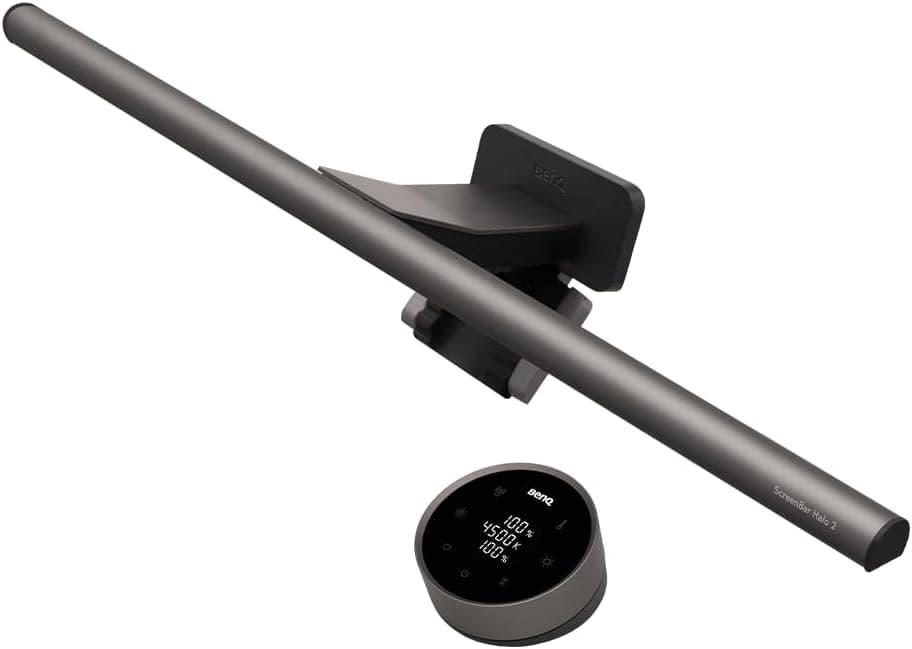
Traditional desk lamps take up valuable desk real estate and cause harsh reflections off your computer monitor, triggering eye fatigue by 3:00 PM.
A weighted counter-balance screenbar sits directly on top of your monitor bezel. It casts asymmetrical light down onto your keyboard and documents with zero screen reflection.
Step 3: Replace Tangled Phone Charging Cables with a MagSafe Dock
Having loose USB cables snaking across your mousepad ruins an otherwise clean desk setup. A magnetic wireless charging power bank with an integrated folding stand lets your phone hover at eye level while charging without trailing loose wires.

Side-by-Side Specification Comparison
| Feature / Aspect | FindsRadar Recommendation | Traditional Alternative | Verdict |
|---|---|---|---|
| Installation Method | Under-Desk Clamp Raceway | Drilled Wooden Channel | Clamp Raceway (Zero Furniture Damage) |
| Desk Surface Reclaimed | Monitor Screenbar Light | Traditional Desk Lamp | Monitor Screenbar (Reclaims 100% Footprint) |
| Average Cost (India / US) | ₹991 / $19.99 | ₹3,500+ / $75.00+ | FindsRadar Curated Budget Stack |
Frequently Asked Buying Questions
Q.Will clamp-on cable trays damage glass or thin tabletops?
The clamp features thick silicone rubber padding that distributes pressure evenly. It safely mounts to solid wood, engineered MDF, and metal desks from 0.4 inches to 2 inches thickness.
Q.Does a monitor light bar block webcams?
Most external webcams (like Logitech C920) can clip directly onto the weighted counter-bracket of the light bar without slipping.
You do not need an expensive $1,000 motorized desk to enjoy an executive, aesthetic workspace. Starting with a no-drill clamp tray and a top-mounted monitor light bar instantly upgrades your productivity for under ₹1,500 ($30).